Introduction
If you’re building with WordPress today, keeping up with Gutenberg updates isn’t optional—it’s part of staying relevant. Version 22.3 may not look like a massive release at first glance, but under the hood, it introduces changes that directly affect how developers build themes, blocks, and integrations.
This post breaks down what actually matters in Gutenberg 22.3, especially from a developer’s perspective—so you can quickly understand what’s new and how to use it in real projects.
What’s New in Gutenberg 22.3 (Quick Overview)
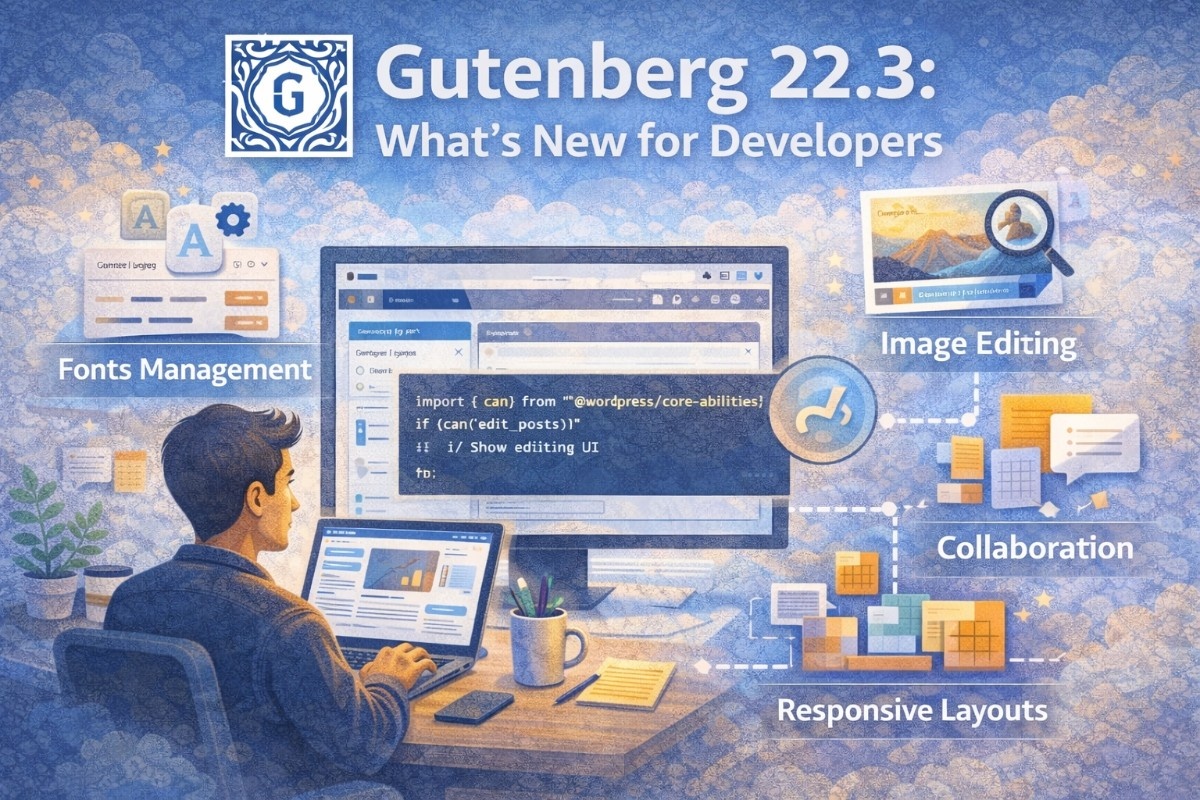
Gutenberg 22.3 focuses heavily on developer experience, editor usability, and future-ready APIs. Instead of flashy features, it improves workflows and lays groundwork for upcoming WordPress versions. ()
Key highlights include:
- Dedicated Fonts management screen
- Improvements to block editor and block library
- New capabilities API groundwork
- Better collaboration (Notes feature updates)
- Image editing enhancements
1. New Fonts Management Screen (Finally Simplified)
One of the most noticeable updates is the new Fonts page inside the admin panel.
What changed:
Previously, managing fonts required digging through Global Styles. Now:
- Fonts have a dedicated section
- You can upload and manage fonts more easily
- It’s more accessible for both developers and designers
👉 This reduces friction when building custom themes.
()
Why it matters for developers:
- Easier typography control in block themes
- Cleaner workflow for theme customization
- Prepares for more advanced design systems
2. Block Library Improvements
Gutenberg 22.3 quietly improves several core blocks.
Notable updates:
- Button block now supports
text-alignproperly - Comments Pagination block gets spacing controls
- Accordion block styling improved for classic themes
()
Example:
{
  "styles": {
    "typography": {
      "textAlign": "center"
    }
  }
}
Why this matters:
- More consistent styling across themes
- Less custom CSS needed
- Better control via
theme.json
3. New Capabilities API (Big for the Future)
This is one of the most important (but less talked about) changes.
What’s new:
- Introduction of
@wordpress/core-abilitiespackage - Moves toward a more flexible permissions system
()
What it means:
- Developers can define capabilities more granularly
- Better integration with future WordPress features
- Lays foundation for upcoming APIs in WordPress 7.0
Example (conceptual):
import { can } from '@wordpress/core-abilities';

if (can('edit_posts')) {
  // Show editing UI
}
4. Image Editing Enhancements
Gutenberg continues improving media handling with updates like:
- New image cropper package
- Better image editing experience inside the editor
()
Why it matters:
- Less reliance on external tools
- Improved UX for content creators
- Developers can extend media features more easily
5. Collaboration Improvements (Notes Feature)
Collaboration is part of WordPress’s long-term roadmap, and 22.3 makes incremental progress.
Updates include:
- Improved Notes feature usability
- Better keyboard navigation
- Simplified editing interactions
()
Real impact:
- Early groundwork for real-time collaboration
- Better editorial workflows for teams
6. Responsive Grid & Layout Enhancements
Gutenberg 22.3 introduces improvements to layout handling, including:
- More flexible grid behavior
- Better responsiveness for block layouts
()
Why developers care:
- Less need for custom layout hacks
- Easier responsive design
- More control directly inside the editor
How to Start Using These Features (Step-by-Step)
Step 1: Update Gutenberg Plugin
Make sure you’re running version 22.3 or later.
Step 2: Enable Experimental Features
Some features (like fonts UI or capabilities API) may be experimental:
- Go to Gutenberg → Experiments
- Enable relevant options
Step 3: Update Your Theme or Plugin
- Use
theme.jsonfor styling - Test new block supports
- Explore new APIs
Step 4: Test in Real Projects
Try:
- Custom block development
- Typography customization
- Admin UI enhancements
Real Developer Insight
Gutenberg 22.3 isn’t about big flashy features—it’s about removing friction.
A lot of the changes:
- Simplify existing workflows
- Reduce complexity in theme development
- Prepare for bigger features like collaboration and AI
If you’re building seriously with WordPress, these “small” updates actually save a lot of time.
Summary
Gutenberg 22.3 is a developer-focused release that improves usability and sets up the future of WordPress.
Key takeaways:
- Fonts management is now easier and cleaner
- Block system continues to improve
- New APIs (like capabilities) are paving the way forward
- Editor experience is getting faster and more intuitive
What Should You Do Next? (CTA)
Don’t just read release notes—experiment with them.
Here’s what you should do:
- Install Gutenberg 22.3 on a test site
- Try building a small custom block or theme
- Explore the new Fonts UI and capabilities API
The sooner you adapt to these changes, the easier future WordPress updates will feel.