

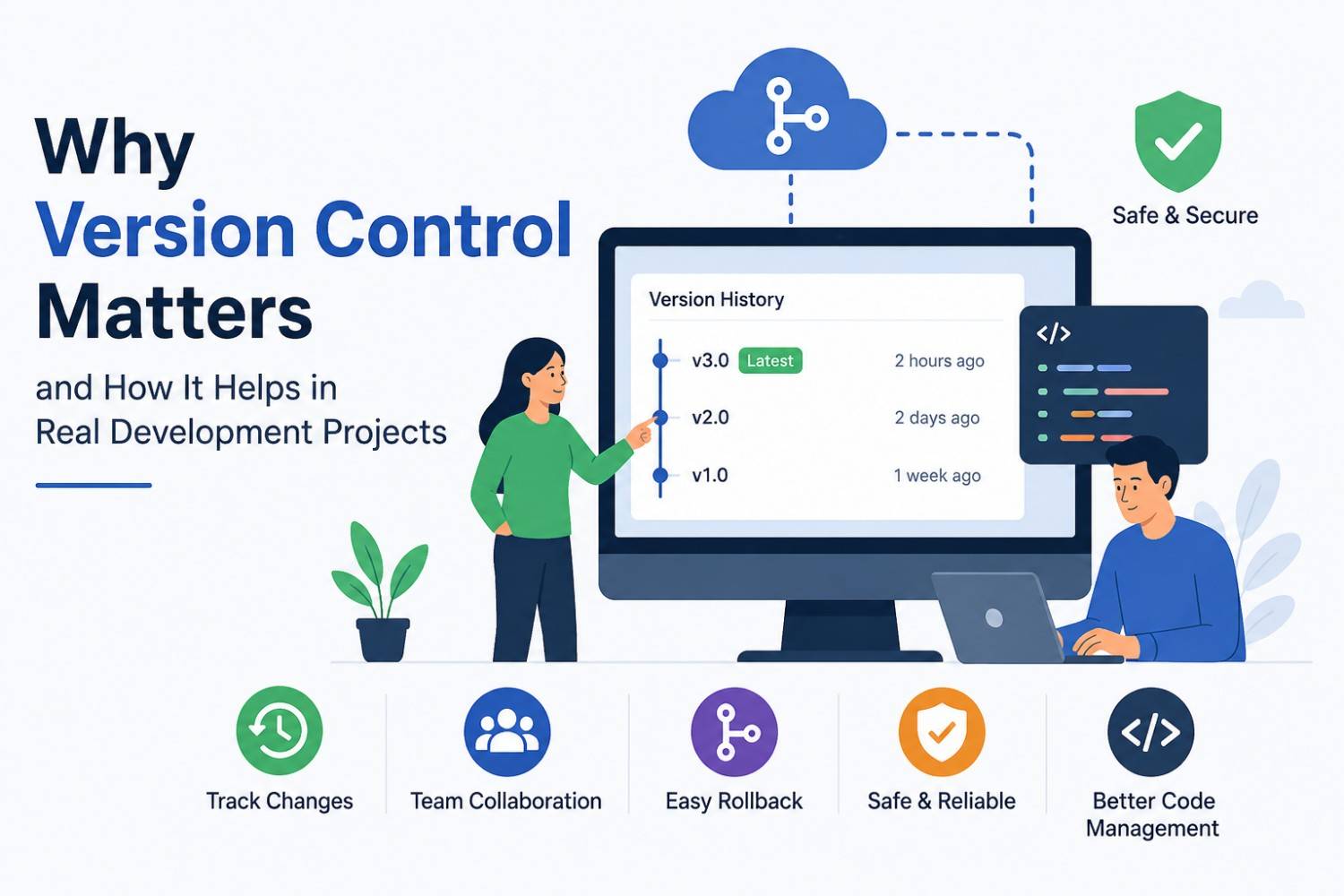
The software engineering field requires constant code development because software projects operate under rapid technological advancements. The success of your software deployment depends on how well you control alterations to your codebase as a single programmer or global enterprise team member.
This post aims to explain the three essential functions of Version Control Systems (VCS). The article will explain why modern development environments must use these systems, which combat actual “nightmare scenarios,” and which users can apply to their routines. The article shows how to transform your development process into an orderly system that operates with reverse capabilities and enables team members to work together.
1. What Exactly is Version Control?
Version control enables users to track file modifications through time so they can access earlier file versions. The system operates like a Time Machine which enables users to track their project’s evolution. The user can reverse their recent changes back to a state which made the code function correctly.
There are two main types:
* Centralized (CVCS): A single server contains all versioned files, and clients check out files from that central place (e.g., SVN).
* Distributed (DVCS): Every user has a full mirror of the entire repository, including the full history. This system represents the current standard (e.g., Git).
2. The High Stakes: Why It Matters in Real Projects
Developers who lack version control systems tend to use the “Final_V2_Actual_Final_DO_NOT_DELETE.zip” method for their work. This method creates a situation which will lead to total destruction of everything. The organization requires version control system functions for three essential reasons which need explanation.
A. Collaboration Without Collision
In a real project, five people might be editing the same file simultaneously. The system operates on a saving mechanism which permits the last person who saved their work to retain control over all previous activity. VCS provides developers with a system which enables them to establish different work paths through their projects while enabling effective connection between these paths.
B. Traceability and Accountability
Have you ever looked at a piece of broken code and wondered, “Who wrote this, and why?” The VCS system records everything through its `commit history` function which contains detailed documentation of all actions.
* What was changed?
* Who changed it?
* When did it happen?
* Why (via commit messages)?
C. Experimentation Without Risk
Do you want to test a completely new user interface design? To create a new user interface design in a VCS system, you must establish a new branch. The main code remains secure when you delete the branch after your experiment failed.
3. Core Concepts: The Developer’s Vocabulary
You need to know the four essential elements of the Git workflow process to control version management.
1. Repository (Repo): The “folder” houses your project and its complete history.
2. Commit: A snapshot of your changes. The “Save Point” functions as a “Save Point” in video games.
3. Branch: A parallel version of your repository enables you to develop your project through different work approaches.
4. Merge: The process of taking the changes from one branch and putting them into another.
4. Step-by-Step: A Real-World Workflow
The following section shows how developers execute their daily tasks using Git, the leading version control system.
Step 1: Initialize or Clone
You start a new project or download an existing one from a platform like GitHub or GitLab.
git clone https://github.com/example/project.git
Step 2: Create a Feature Branch
You must not make changes to the “Main” or “Master” branch.** Create a workspace for your specific task.
git checkout -b feature/login-page-update
Step 3: Stage and Commit Changes
You select the files for saving through staging, and then you commit them with a descriptive message.
git add .
git commit -m "Add validation to login email field"
Step 4: Push and Pull Request
You upload your completed feature to the cloud, and then you create a Pull Request (PR) to review your work. The review process allows teammates to assess your code, which must pass before it can join the primary project.
5. Solving “Real-World” Disasters
Let’s look at a common scenario: The Friday Afternoon Bug.
The company pushed a system update to production at 4:00 PM. The payment gateway stopped functioning at 4:30 PM, which the CFO reported.
Without VCS process requires you to examine all your code work through multiple code files until you reach your changed portions, which leads to business losses.
With VCS:
1. You check the `git log` to see the last three commits.
2. You find the commit which interacted with payment logic.
3. You execute `git revert [commit-id]` to roll back the changes.
4. The issue is resolved within one minute after which you can proceed with your debugging work.
6. Best Practices for Professional Teams
Simply having Git installed isn’t enough. You must use it correctly to reap the benefits:
* Write Meaningful Commit Messages: Messages such as “fixed stuff” and “update” should not be used. The correct message should be “Fix: Resolve null pointer exception in checkout logic.”
* Commit Often* Small, frequent commits are much easier to debug than one giant commit containing 20 different changes.
* Pull Before You Push: You must execute `git pull` to gather your team’s recent updates before you start the sending process.
Version Control is no longer an “optional” skill; it is a fundamental requirement for anyone looking to work in technology. The system safeguards your work while enabling your team to work together and establishes a secure system which enables you to innovate new concepts.
Recap:
* VCS serves as your project’s complete historical record.
* Branching allows for safe experimentation.
* Commits create permanent, reversible snapshots.
* Collaboration is made possible through merging and PRs.
Don’t just read about it—do it!
1. If you haven’t done it yet, install Gi on your system.
2. Create a GitHub account
3. Initiate a “Sandbox” repository: Start a new folder, execute `git init`, and begin practicing your commit and branch creation skills.




