

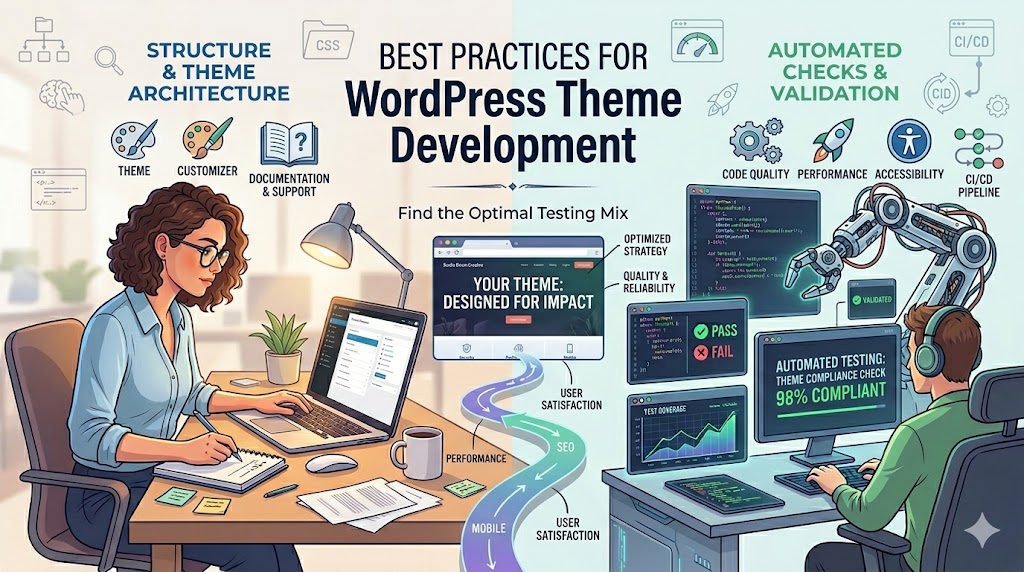
A WordPress theme is far more than just about styling a website. An efficiently created theme not only impacts appearance but also influences website speed, SEO, security, usability, and maintainability down the road.
However, when it comes to custom WordPress themes, it’s common for developers to take short-cuts:
- Bulky code
- Bad responsiveness on mobile devices
- Slow asset loading
- Lack of scalability
Consequently, websites that prove to be challenging to maintain and optimize in the future.
In this article, you will find out what is needed to properly create a WordPress theme in 2026.
What Is WordPress Theme Development?
WordPress theme development is the process of creating custom templates, layouts, and styling for WordPress websites.
A theme controls:
- Website layout
- Typography
- Colors and styling
- Template structure
- Responsive behavior
* A good theme balances design, speed, usability, and maintainability.
Why Theme Development Quality Matters
A poorly built theme can cause:
- Slow website performance
- SEO issues
- Plugin conflicts
- Difficult updates
- Bad mobile experience
* Great design means nothing if the theme performs poorly.
1. Start With a Lightweight Foundation
One of the biggest mistakes developers make is building overly heavy themes.
Avoid:
- Unnecessary animations
- Excessive JavaScript libraries
- Large bundled assets
Focus on:
- Clean code
- Minimal dependencies
- Fast rendering
* Lightweight themes perform better and are easier to maintain.
2. Follow WordPress Coding Standards
Consistent coding standards improve:
- Readability
- Collaboration
- Debugging
- Future maintenance
Example:
<?php get_header(); ?>

<main class="site-content">
  <?php the_content(); ?>
</main>

<?php get_footer(); ?>
* Clean structure makes themes easier to scale later.
3. Build Mobile-First Responsive Layouts
Most users browse websites on mobile devices.
Responsive design should include:
- Flexible grids
- Mobile-friendly navigation
- Scalable typography
- Touch-friendly buttons
Example:
.container {
  width: 100%;
  max-width: 1200px;
}
* Mobile responsiveness is essential for both UX and SEO.
4. Optimize Theme Performance Early
Performance should never be an afterthought.
Focus on:
- Optimized CSS/JS loading
- Lazy-loaded images
- Reduced HTTP requests
- Minimal DOM complexity
Example:
<img src="hero-image.webp" loading="lazy" alt="optimized image">
* Fast themes improve rankings and user retention.
5. Use Proper Template Hierarchy
WordPress uses a template hierarchy system.
Common templates:
single.phppage.phparchive.phpheader.phpfooter.php
* Understanding hierarchy improves development flexibility.
6. Keep Theme Functionality Separate
A common mistake:
* Adding plugin-like functionality inside themes.
Bad examples:
- SEO systems
- Shortcodes
- Custom analytics features
These should belong in plugins—not themes.
Why?
Because functionality should remain intact even if the theme changes.
7. Use Child Themes for Customization
Never edit parent themes directly.
Child themes allow:
- Safer updates
- Easier customization
- Better maintainability
* This prevents update-related disasters.
8. Prioritize Accessibility (A11Y)
Accessibility improves usability for everyone.
Focus on:
- Keyboard navigation
- Proper contrast ratios
- Semantic HTML
- Screen reader support
Example:
<button aria-label="Open navigation menu">
  Menu
</button>
* Accessibility is both a UX and SEO advantage.
9. Avoid Theme Bloat
Many themes try to include:
- Builders
- Sliders
- Popup systems
- Mega menus
- Animation engines
* This often creates performance problems.
Better approach:
Keep the theme focused on presentation only.
10. Make Themes SEO-Friendly
A well-coded theme helps search engines understand content better.
Important SEO practices:
- Semantic HTML
- Fast loading speed
- Mobile responsiveness
- Clean heading structure
Example:
<h1>WordPress Theme Development Guide</h1>
* SEO begins with strong technical structure.
11. Secure Your Theme Properly
Security matters even in theme development.
Always:
- Escape outputs
- Sanitize inputs
- Avoid unsafe database queries
Example:
echo esc_html( $title );
* Security vulnerabilities often start with poor coding practices.
12. Organize Your Theme Files Properly
Messy file structures create long-term problems.
Recommended organization:
/assets/templates/inc/css/js
* Clean structure speeds up development and debugging.
Real-World Theme Development Advice
Experienced developers know:
* Simpler themes age better.
Overly complex themes often become:
- Hard to optimize
- Difficult to update
- Expensive to maintain
Meanwhile, lightweight themes:
- Load faster
- Rank better
- Scale more easily
Common Theme Development Mistakes
a. Hardcoding Content
Makes websites difficult to manage.
b. Ignoring Mobile Performance
Mobile-first design is essential in 2026.
c. Loading Too Many Assets
Unused CSS and JS hurt speed.
d. Mixing Design With Functionality
Themes should control presentation—not core business logic.
Why Custom Themes Still Matter
Despite page builders and templates, custom theme development still offers:
- Better performance
- Greater flexibility
- Cleaner codebases
- Improved scalability
* Especially important for business and high-performance websites.
FAQ
What is the most important part of WordPress theme development?
Performance, maintainability, responsiveness, and clean coding standards are all critical.
Should themes include plugin functionality?
No. Themes should focus on design and presentation only.
Why are lightweight themes better?
They load faster, improve SEO, and are easier to maintain.
Summary
Good WordPress theme development is about more than design.
Key takeaway:
- Build lightweight themes
- Prioritize speed and responsiveness
- Follow coding standards
- Keep functionality modular
* Well-developed themes create faster, safer, and more scalable websites.
What Should You Do Next? (CTA)
If you’re developing a WordPress theme:
- Audit your current theme performance
- Remove unnecessary assets
- Improve responsiveness and accessibility
- Follow WordPress coding best practices
👉 Small improvements in theme structure can dramatically improve website performance and maintainability.
Build smarter WordPress themes in 2026 that are fast, scalable, and user-focused




