

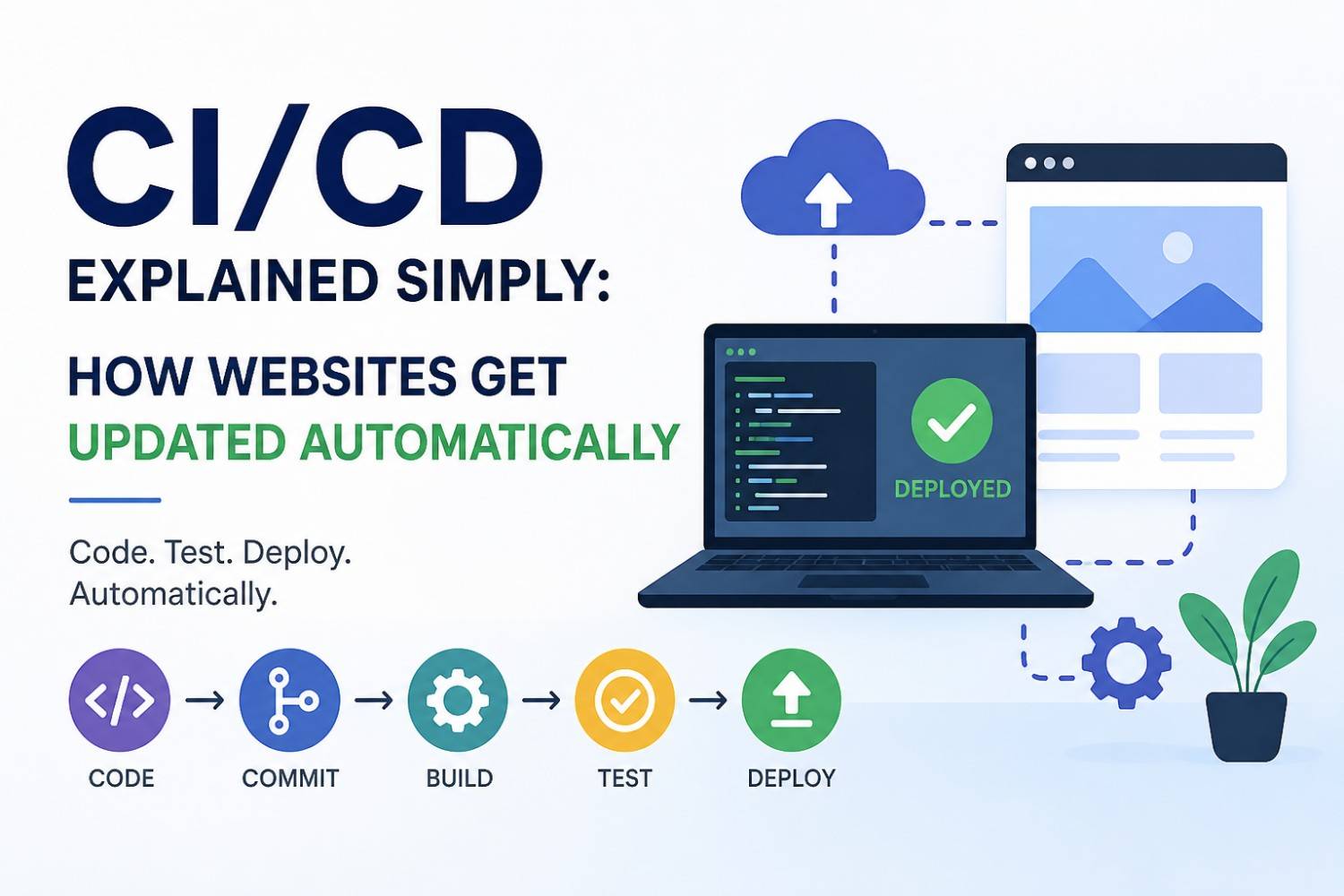
How do current websites update their content so rapidly without any interruptions? Your code push results in live changes within minutes or even seconds of your action. The system operates without needing manual uploads or server management because it handles all updates through its automated process.
The ability of CI/CD (Continuous Integration and Continuous Deployment) technology enables organizations to deploy code changes automatically.
In this blog, you’ll learn:
* What CI/CD actually means (in simple terms)
* How it works step by step
* Real examples of CI/CD in action
* Basic setup ideas you can try today
Let’s explain this concept in a straightforward manner.
What is CI/CD?
CI/CD stands for:
* Continuous Integration (CI) → The system conducts automatic tests which result in code changes being combined into one project.
* Continuous Deployment (CD) → The system performs automatic deployment of new software updates to operational systems.
The simple words explain the process as follows:
CI/CD is a process that automates testing and deploying your website whenever you make changes.
Why CI/CD is Important
Before CI/CD, developers used to:
* Upload files manually via FTP
* Forget files during updates
* Break the website accidentally
* Spend hours debugging
With CI/CD:
* The system performs automatic software updates
* The system identifies mistakes at an early stage
* The system enables quicker and safer software deployments
* The system helps teams work together more effectively
How CI/CD Works (Step-by-Step)
The following example demonstrates how the process operates.
Step 1: You Write Code
You make changes to your project (e.g., fixing a bug or adding a feature).
git add .
git commit -m "Added login validation"
git push origin main
Step 2: Code is Pushed to Repository
Your code is pushed to a repository like GitHub.
The CI/CD pipeline starts to operate after this action.
Step 3: Continuous Integration Starts
The system automatically:
* Builds your project
* Runs tests
* Checks for errors
Example (GitHub Actions workflow):
name: CI Pipeline

on:
push:
branches: [main]

jobs:
build:
runs-on: ubuntu-latest

steps:
- name: Checkout code
uses: actions/checkout@v3

- name: Install dependencies
run: npm install

- name: Run tests
run: npm test
The system halts deployment when tests fail.
The system proceeds to the next phase after tests succeed.
Step 4: Continuous Deployment Begins
The system automatically deploys code after every stage passes.
Example:
- name: Deploy to Server
run: |
ssh user@server "cd /var/www/project && git pull origin main"
Your website now updates itself instantly.
Real-Life Example
Let’s say you have an e-commerce website.
Without CI/CD:
* You fix a bug
* Upload files manually
* Website breaks
* Customers complain
With CI/CD:
* You push code
* Tests run automatically
* Code deploys safely
* Website updates without downtime
The result: Users have an uninterrupted experience.
Types of CI/CD
1. Continuous Integration (CI)
* Focus: Code quality
* Runs tests automatically
2. Continuous Delivery
* Code is ready for deployment
* Requires manual approval
3. Continuous Deployment
* The system handles all deployments without human intervention.
* All deployment tasks happen automatically without any need for human involvement.
Popular CI/CD Tools
These tools find common usage in various environments:
* GitHub Actions
* GitLab CI/CD
* Jenkins
* CircleCI
* Bitbucket Pipelines
The beginner-friendly option to start is GitHub Actions because it provides an easy entry point.
Basic CI/CD Workflow Diagram (Concept)
The following process functions as follows:
Code → Push → Build → Test → Deploy → Live Website
The entire process executes without requiring any user intervention.
Example: Simple CI/CD for a PHP Project
If you’re using CodeIgniter or PHP:
Step 1: Push Code to GitHub
Step 2: Create Workflow
name: Deploy PHP App

on:
push:
branches: [main]

jobs:
deploy:
runs-on: ubuntu-latest

steps:
- name: SSH Deploy
uses: appleboy/ssh-action@master
with:
host: your_server_ip
username: your_user
key: ${{ secrets.SSH_KEY }}
script: |
cd /var/www/html/project
git pull origin main
Every push results in the system automatically deploying the application.
Common Mistakes to Avoid
❌ Skipping Tests
The absence of testing leads to the deployment of broken features.
❌ No Backup Plan
You should maintain all rollback methods as your backup system.
❌ Hardcoding Secrets
To protect data, you should use environment variables instead of direct coding of sensitive information.
Best Practices
* Write automated tests
* Use staging environment before production
* Monitor deployments
* Keep pipelines simple
When Should You Use CI/CD?
Use CI/CD if:
* You update your site frequently
* You work in a team
* You want faster deployments
* You want fewer errors
Even small projects benefit from CI/CD.
Benefits
* The system delivers updates at a quicker pace.
* The system reduces the occurrence of human mistakes.
* The system enhances the overall quality of code produced.
* The system facilitates ongoing development of the product.
* The system boosts the efficiency of the entire team.
Final Thoughts
CI/CD might sound complex at first, but it’s actually one of the most powerful tools in modern development.
After your setup, the system:
* The process eliminates all manual efforts.
* Users can deploy their projects with full trust.
* The system enables effortless expansion of your initiatives.
The system benefits all companies regardless of their size.
Now that you understand CI/CD:
Test your skills:
1. Create a GitHub repository
2. Add a simple GitHub Actions workflow
3. Automate your first deployment




