

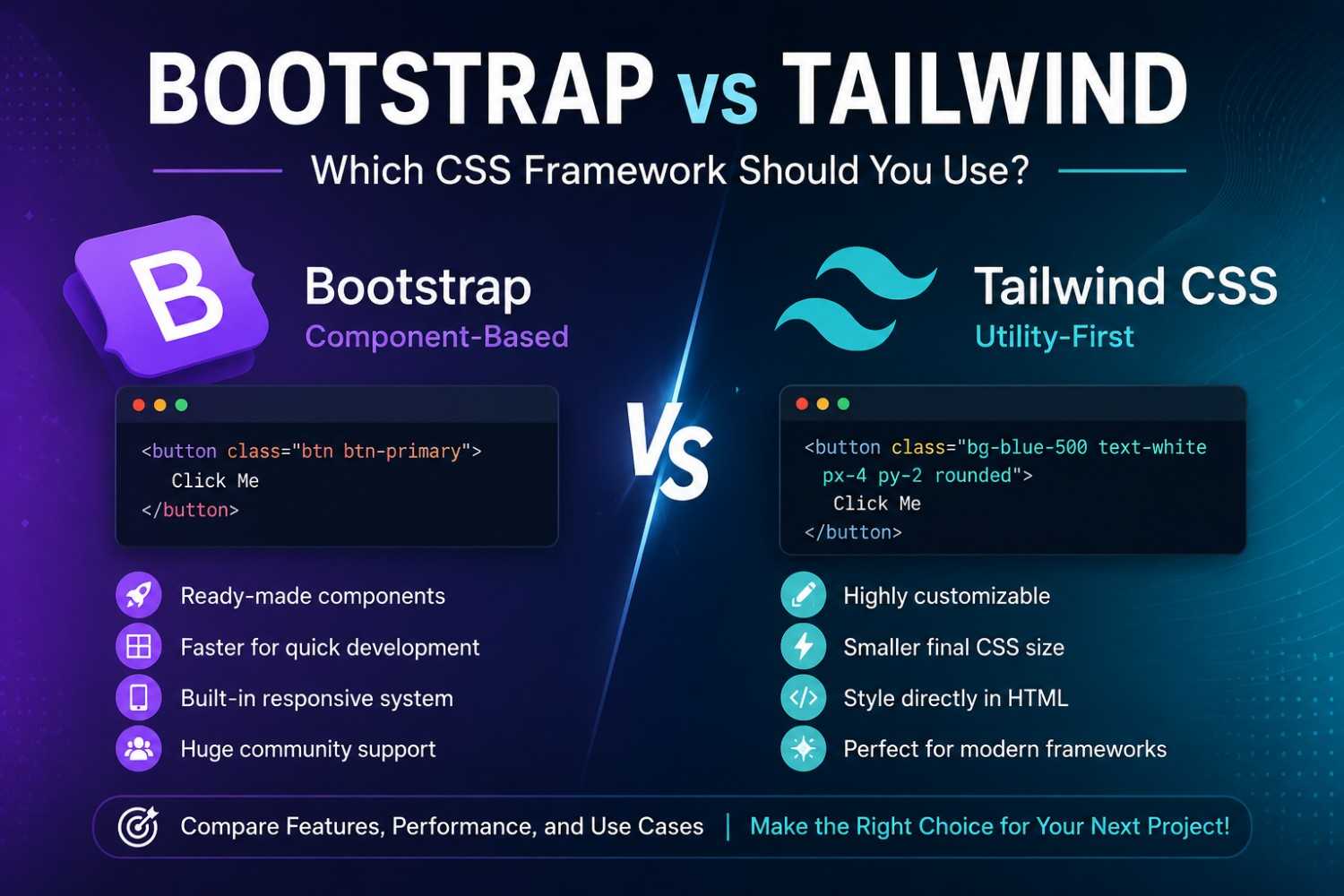
Picking the correct CSS framework can really affect how fast you build, how much room you have for styling, and whether the project stays easy to maintain later on. Lately, a couple of the most known frontend options are Bootstrap and Tailwind CSS. People in startups, developers , and larger enterprise teams use them all the time, yet they’re basically trying to solve the same general issues but in totally different manners. One approach feels more like ready-made patterns while the other is more like building your own design logic block by block.
In this blog, you’ll get:
* What Bootstrap and Tailwind are
* Their main differences (not vibes, actual mechanics)
* Pros and cons for each one
* Real world use cases that make sense
* Which framework is better for your project in 2026
By the end, you should know which tool fits your workflow, and also your business constraints, more or less.
What Is Bootstrap?
Bootstrap is a component based frontend framework, and it originally came from X Corp.. It ships with ready UI parts like:
* Buttons
* Forms
* Navigation bars
* Cards
* Modals
* Tables
Bootstrap lets you build responsive pages quickly ,without redoing every little detail from scratch.
Example: Bootstrap Button
<button class="btn btn-primary">
Click Me
</button>
With just a couple classes, Bootstrap handles the styling automatically.
What Is Tailwind CSS?
Tailwind CSS is a utility first CSS framework. In practice it means you can craft the look directly in the markup using lots of small utility classes.
Instead of shipping full components, Tailwind gives you low level styling tools, so you assemble the UI like Lego pieces.
Example: Tailwind Button
<button class="bg-blue-500 text-white px-4 py-2 rounded">
Click Me
</button>
Each class maps to a specific property, like color , padding, or corner radius. It’s simple, but you feel it in the day to day.
Bootstrap vs Tailwind: Core Philosophy
The real separation between Bootstrap and Tailwind is their design philosophy.
| Feature | Bootstrap | Tailwind CSS |
|---|---|---|
| Approach | Component-based | Utility-first |
| Styling | Pre-designed UI | Fully custom |
| Learning Curve | Easier for beginners | Slightly steeper |
| Customization | Limited without overrides | Highly flexible |
| File Size | Larger | Smaller after purge |
| Speed | Faster for quick prototypes | Faster for custom UI projects |
When Should You Use Bootstrap?
Bootstrap is a solid choice when you want to ship a project fast, and still keep consistent design patterns across the app.
Best Use Cases for Bootstrap
* Admin dashboards
* MVPs and prototypes
* Business websites
* Internal company tools
* Projects that need to be beginner friendly
Advantages of Bootstrap
1. Faster Initial Development
You start with prebuilt components, which means less layout work early on.
2. Easy to Learn
Its docs are usually friendly for newcomers, so teams ramp up quicker.
3. Responsive Grid System
Bootstrap’s grid system makes responsive layouts less annoying.
<div class="row">
<div class="col-md-6">Left</div>
<div class="col-md-6">Right</div>
</div>
4. Large Community Support
Since Bootstrap has been around, developers have tons of tutorials, themes, and plugins to borrow from.
Limitations of Bootstrap
Even with all that, Bootstrap still has some downsides.
1. Sites Can Feel Pretty Similar
A lot of Bootstrap pages look alike unless you customize heavily.
2. Overriding Styles Can Be Frustrating
Tweaking components can require extra CSS rules just to wrestle back control.
3. Unused CSS
Some projects ship with extra styles they never used, and that can bloat file sizes.
When Should You Use Tailwind CSS?
Tailwind is great for developers who want control over styling, without relying on traditional CSS files for everything.
Best Use Cases for Tailwind
* Modern SaaS products
* Startup landing pages
* Custom UI systems
* Scalable frontend apps
* React, Vue, and Next.js projects
Advantages of Tailwind CSS
1. Highly Customizable
You can create unique UI styles without constantly fighting predefined component rules.
2. Faster UI Iteration
You can style while you’re writing markup, without swapping context between files.
<div class="flex items-center justify-between p-4 bg-gray-100">
Content Here
</div>
3. Smaller Production File Size
Tailwind “purges” unused styles in production builds, so fewer bytes ship out.
4. Great Fit for Modern JavaScript Frameworks
Tailwind works particularly well with:
* React
* Vue.js
* Next.js
* Laravel
Limitations of Tailwind CSS
Tailwind comes with its own set of tradeoffs too.
1. HTML Can Become Crowded
A utility heavy markup can look long, and harder to read.
<div class="bg-white shadow-lg rounded-xl p-6 flex flex-col gap-4">
2. Learning Utility Classes Takes Time
Beginners might struggle at first, just because remembering utilities is a real thing.
3. You Still Need Design Decisions
Bootstrap gives more structure out of the box, Tailwind doesn’t, so you’ll define your design system yourself, sooner or later.
Performance Comparison
Performance matters for SEO, and also for user experience.
Bootstrap Performance
Bootstrap includes many ready components, which can increase the CSS bundle size.
Tailwind Performance
Tailwind uses purging, it trims unused styles so production output is usually smaller. That can help with:
* Page speed
* Core Web Vitals
* SEO performance
So for performance focused modern products, Tailwind often has the edge.
Developer Experience Comparison
Bootstrap Developer Experience
Bootstrap makes rapid development and team consistency easier. You can get professional looking layouts without needing deep CSS wizardry, most of the time.
Tailwind Developer Experience
Tailwind gives more creative freedom. It also pairs extremely well with component driven development, where UI is built from smaller blocks.
A lot of modern devs prefer Tailwind because it reduces context switching between HTML and CSS files, and you tend to stay in one flow.
Which Framework Is Better for SEO ?
Both frameworks , can support SEO friendly websites if they’re used correctly
That said Tailwind often makes it easier to get:
* faster load speeds
* cleaner production CSS
* better Lighthouse scores
Bootstrap can still do really well too, especially if you apply optimization stuff like CSS purging and lazy loading
Final Verdict: Bootstrap or Tailwind ?
Pick Bootstrap if you :
* need rapid development
* prefer ready made UI components
* you’re a beginner
* want faster prototyping
Pick Tailwind CSS if you :
* want fully custom designs
* build modern frontend apps
* care a lot about performance
* use React or Next.js a ton
By 2026, Tailwind keeps growing in popularity for contemporary web applications, while Bootstrap stays a solid option for quick reliable UI work
Both Bootstrap and Tailwind are excellent frontend frameworks , but the best choice depends on what you’re trying to build and how your team works
Bootstrap simplifies interface building with prebuilt components, while Tailwind gives you that almost unmatched flexibility for custom interfaces. When you understand their strong points, it’s easier to choose what fits your scalability, performance needs, and developer productivity
If you’re starting something new, try both frameworks on a small demo application first , before you commit to one path
Want to level up your frontend development skills even more ?
Explore topics like :
* responsive web design
* CSS architecture
* component based UI development
* performance optimization
* modern frontend frameworks
When your frontend base is stronger, it becomes simpler to build fast scalable, and good looking web applications.




