

The website’s success depends on the wireframing and planning process which must occur before any coding or designing or technology selection work begins. The absence of this process leads to user confusion and rework demands and results in a substandard user experience.
The guide teaches you the proper website planning and wireframing methods which include detailed procedures and real-world examples and practical tools for development. The process helps you build your portfolio and business site and complex web application work while saving time and cutting costs and producing better outcomes.
What is Wireframing?
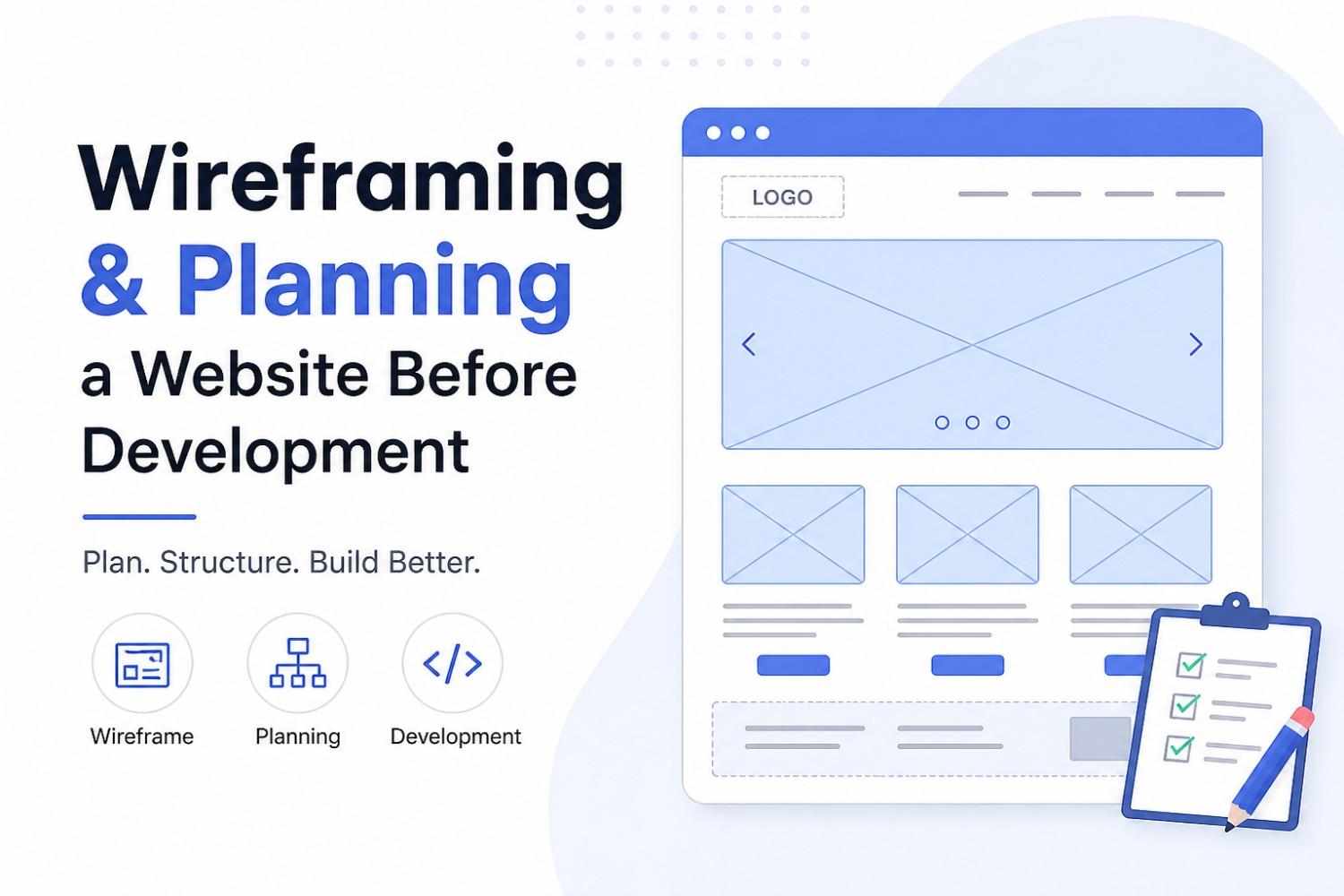
The wireframing process creates a visual blueprint of a website layout. The method focuses on website structure and content placement and user navigation paths without designing website aesthetic elements.
The process creates a website blueprint which functions like an architectural plan for constructing a building.
Key Elements of a Wireframe:
* Header (logo, navigation)
* Content sections
* Buttons and CTAs
* Footer
* User interaction flow
Why Planning Before Development Matters
The development team operates without a development plan which leads to coding errors. The following reasons demonstrate why planning functions as an essential development requirement.
* Prevents scope creep
* Improves user experience (UX)
* Saves development time
* Aligns stakeholders and teams
* Identifies potential issues early
Step-by-Step Guide to Wireframing and Planning
1. Define Your Website Goals
The first step requires you to answer these questions:
* What is the purpose of the website?
* Who is your target audience?
* What actions should users take?
Example:
The matrimonial website needs to:
* Allow users to create profiles
* Search for matches
* Send messages
2. Conduct Research and Competitor Analysis
The analysis requires you to examine competing websites in order to discover:
* What works well
* What features are missing
* How users interact with them
Example Insight:
Your advanced filters should include:
* Religion-based filters
* Location-based matchmaking
* AI-based suggestions
3. Create a Sitemap
The sitemap establishes the organizational framework for your website.
Example Sitemap:
Home
├── About
├── Services
├── Blog
├── Profile
│ ├── Edit Profile
│ ├── Matches
│ └── Messages
└── Contact
This diagram shows how different pages link together.
4. Sketch Low-Fidelity Wireframes
Low-fidelity wireframes create basic visual representations that exist in both physical (paper) and virtual (digital) forms.
Example Layout (Homepage Wireframe):
----------------------------------
| Logo | Navigation Menu |
----------------------------------
| Hero Section (Headline + CTA) |
----------------------------------
| Features / Services |
----------------------------------
| Testimonials |
----------------------------------
| Footer |
----------------------------------
The design elements should concentrate on:
* Layout structure
* Content hierarchy
* User flow
5. Build High-Fidelity Wireframes
The team must create exact wireframes from the rough sketches using the following design applications:
* Figma
* Adobe XD
* Sketch
The design requires you to include:
* Real content (text/images)
* Spacing and alignment
* UI components (buttons, forms)
6. Define User Flow
User flow shows how users navigate your website.
Example (Login Flow):
Homepage → Login Page → Dashboard → Profile → Matches
This method ensures users can navigate the site easily without getting lost.
7. Plan Content Strategy
The content plays a role in website design which makes it equally important.
The definition requires you to choose:
* Headlines
* Page content
* Call-to-actions (CTAs)
Example CTA:
* “Find Your Perfect Match”
* “Sign Up Now”
8. Choose Technology Stack
The decision about your technology stack needs you to select these elements:
* Frontend: React, Vue, Next.js
* Backend: Node.js, PHP, Django
* Database: MySQL, MongoDB
Example Stack:
* Frontend: Next.js + Tailwind CSS
* Backend: CodeIgniter 4
* Database: MySQL
9. Create a Development Plan
The project should divide into multiple project segments.
Here is one example of a project phase:
1. UI Design
2. Frontend Development
3. Backend Integration
4. Testing
5. Deployment
10. Validate Before Development
The coding process requires you to follow these steps:
* Review wireframes with stakeholders
* Get feedback
* Make necessary changes
The process prevents organizations from needing to pay for expensive future corrections.
Example: Simple HTML Wireframe Structure
The following code structure demonstrates a basic wireframe layout representation:
<!DOCTYPE html>
<html>
<head>
<title>Wireframe Example</title>
</head>
<body>

<header>
<h1>Logo</h1>
<nav>
<a href="#">Home</a>
<a href="#">Services</a>
<a href="#">Contact</a>
</nav>
</header>

<section id="hero">
<h2>Main Headline</h2>
<button>Get Started</button>
</section>

<section id="features">
<div>Feature 1</div>
<div>Feature 2</div>
<div>Feature 3</div>
</section>

<footer>
<p>© 2026 Your Website</p>
</footer>

</body>
</html>
The method shows website structure without focusing on design elements.
Best Tools for Wireframing
The following tools have gained significant popularity in the industry:
* Figma – Best for collaboration
* Adobe XD – Great for UI/UX design
* Balsamiq – Ideal for low-fidelity wireframes
* Sketch – Popular among designers
Common Mistakes to Avoid
* The process begins with wireframes which should proceed to coding work
* The design process becomes complicated because of excessive design elements
* The design process excludes user experience considerations
* The design work needs validation before any development begins
* The team functions without particular objectives to achieve
SEO Benefits of Proper Planning
The planning process for your website will lead to better SEO outcomes because it creates:
* Better site structure → Improved crawlability
* Optimized content placement → Higher engagement
* Faster load times → Better rankings
* Clear navigation → Lower bounce rate
A successful website creation process requires both wireframing and planning which serve as essential steps.
The development team will achieve smoother project progress through these activities:
* Defining goals
* Creating sitemaps
* Designing wireframes
* Planning content and user flow
You now have the knowledge to implement website planning and wireframing:
* Start by sketching your first wireframe today (even on paper)
* Use a tool like Figma to digitize your ideas
* Validate your plan before writing a single line of code




