
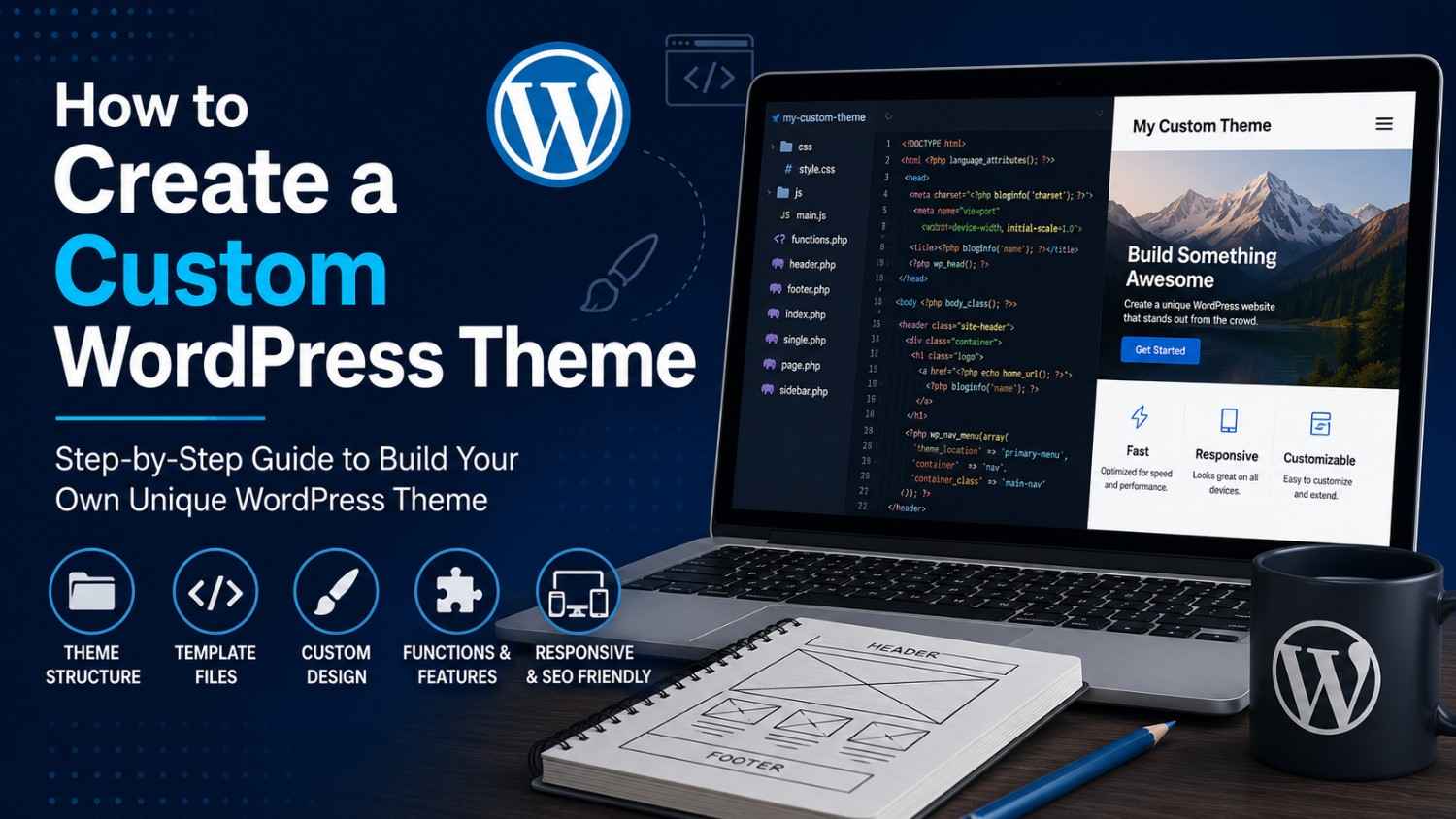
Making a custom WordPress theme lets you shape your site the way you imagine it, with more control over design, speed, and brand vibe. Instead of just picking a ready-made template, you build your own stuff, bit by bit, and you can tune layouts, features, plus styling with way less guessing.
In this beginner version of the process, you’ll create a custom theme from scratch using HTML, CSS, PHP, and some WordPress template files. When you finish, you should have a clear idea of how theme folders are wired, and how to get a responsive and SEO-friendly layout running.
Why Make a Custom WordPress Theme?
Honestly, custom themes come with a bunch of wins like:
* A design that looks actually unique
* Better performance tuning
* Full control over features (no “magic” surprises)
* More structured SEO foundations
* Easier scaling and later edits
So yeah, this is great for businesses, blogs, portfolios, and developers who want a more personalized experience.
1. Learn the Basic Theme Structure
Before you touch files, it helps to know what a theme is made of and how WordPress looks for it.
A typical WordPress theme includes files like these:
style.css
index.php
functions.php
header.php
footer.php
sidebar.php
single.php
page.php
What the “important” files do
* `style.css` → main stylesheet
* `index.php` → main template (fallback)
* `functions.php` → theme functions and hooks
* `header.php` → top area (head + opening markup)
* `footer.php` → bottom area (closing markup)
They all work together, like one little team.
2. Create the Theme Folder
First, go to your WordPress installation:
wp-content/themes/
Now create a new folder for the theme:
my-custom-theme
That folder is where all theme files will live, including the CSS and PHP.
3. Create the style.css File
Every WordPress theme needs a `style.css` file, period.
Example:
/*
Theme Name: My Custom Theme
Author: Your Name
Description: A custom WordPress theme tutorial example
Version: 1.0
*/

body {
font-family: Arial, sans-serif;
margin: 0;
padding: 0;
}
Why WordPress cares about it
WordPress reads that header block and shows your theme in the admin dashboard, so if it’s missing, you’ll have a bad time.
4. Create the index.php File
The `index.php` file is your theme’s main template logic.
Example:
<?php get_header(); ?>

<h1><?php bloginfo('name'); ?></h1>

<?php
if ( have_posts() ) :
while ( have_posts() ) : the_post();
?>

<h2><?php the_title(); ?></h2>
<p><?php the_content(); ?></p>

<?php
endwhile;
endif;
?>

<?php get_footer(); ?>
What it’s doing
* Pulls in `header.php` and `footer.php`
* Lists posts automatically using the WordPress loop
* Uses `the_title()` and `the_content()` to output stuff
5. Create Header and Footer Files
Keeping header and footer separated is usually cleaner, easier to manage, and less chaotic later.
header.php
<!DOCTYPE html>
<html <?php language_attributes(); ?>>
<head>
<meta charset="<?php bloginfo('charset'); ?>">
<meta name="viewport" content="width=device-width, initial-scale=1">
<title><?php bloginfo('name'); ?></title>
<?php wp_head(); ?>
</head>
<body>
footer.php
<?php wp_footer(); ?>
</body>
</html>
Why `wp_head()` and `wp_footer()` matter
Those hooks let plugins, scripts, styles, and WordPress features load correctly, without weird broken layouts. So yeah, don’t skip them.
6. Add Theme Functions
Put your extra setup in `functions.php`. This file can enable features and add WordPress hooks.
Example:
<?php

function custom_theme_setup() {
add_theme_support('title-tag');
add_theme_support('post-thumbnails');
}

add_action('after_setup_theme', 'custom_theme_setup');
Common features people add
* Featured images (thumbnails)
* Custom navigation menus
* Widgets support
* Theme customization options
7. Register Navigation Menus
Menus make your site navigable, and it improves the overall user flow.
Example:
function register_custom_menu() {
register_nav_menu('primary-menu', __('Primary Menu'));
}

add_action('init', 'register_custom_menu');
Then in `header.php`, show the menu like this:
<?php
wp_nav_menu(array(
'theme_location' => 'primary-menu'
));
?>
8. Make Your Theme Mobile-Friendly
Responsive design is not optional anymore.
Add Responsive CSS
.container {
width: 100%;
max-width: 1200px;
margin: auto;
}

@media screen and (max-width: 768px) {
.container {
padding: 15px
}
}
Quick mobile tips (the useful ones)
* Use fluid layouts
* Avoid hard-coded widths everywhere
* Compress and resize images
* Test on multiple screens, not just one
Mobile-friendly themes typically help SEO and user engagement too. It’s a win-win-ish situation.
9. Properly Enqueue CSS and JavaScript Files
Don’t manually slap CSS and JS files straight in the header, it can turn messy fast
Correct Method
function custom_theme_assets() {
wp_enqueue_style('main-style', get_stylesheet_uri());
}

add_action('wp_enqueue_scripts', 'custom_theme_assets');
Benefits
* helps you dodge plugin conflicts
* makes compatibility way better
* keeps you aligned with WordPress standards
10. Add Widget Support
Widgets give people an option to tweak sidebar, and also footer, areas a bit more flexible
Example:
function custom_widgets_init() {
register_sidebar(array(
'name' => 'Main Sidebar'
,'id' => 'sidebar-1'
));
}

add_action('widgets_init', 'custom_widgets_init');
Show the sidebar on the template:
<?php dynamic_sidebar('sidebar-1') ; ?>
11. Optimize Your Theme for SEO
A theme that ’s tuned for SEO can do better in rankings, and yes it matters
SEO Best Practices
* use semantic HTML5 tags, not just random div blocks
* optimize loading speed, for real
* set a sensible heading hierarchy
* make sure it behaves nicely on mobile
* keep your code clean and organized
Example Semantic Layout
<header>
<nav></nav>
</header>

<main>
<section></section>
</main>

<footer></footer>
When the content is well structured, search engines can read it easier.
12. Test Your WordPress Theme
Before anything goes live , test everything like you actually care
What to Test
* mobile responsiveness
* browser compatibility (not only chrome , yikes)
* theme speed
* navigation menus, button flows too
* plugin compatibility
Useful Testing Tools
* Google PageSpeed Insights
* GTmetrix
* Chrome DevTools
* WordPress Theme Check Plugin
Testing catches glitches before visitors even notice them, so yeah.
Common Mistakes to Avoid
Try not to do these beginner pitfalls:
* hardcoding content everywhere
* ignoring security practices
* stacking too many plugins
* forgetting responsive design
* skipping performance optimization
If you build something clean and lightweight, it tends to last longer and feel faster for users.
Making your own WordPress theme might feel complicated at first, but the more you understand the skeleton of it, the simpler it becomes. When you learn how template files, stylesheets, functions, and WordPress hooks work together, you can craft modern pages that are responsive and SEO-ready.
Start with a straightforward layout, stick to WordPress coding norms, then slowly add advanced parts as your skills grow.
Want to build your own WordPress theme? Make a basic theme folder, then start experimenting with template files right away. The more you practice theme development, the smoother it gets to produce fast, current, and genuinely customized websites for real-world needs.