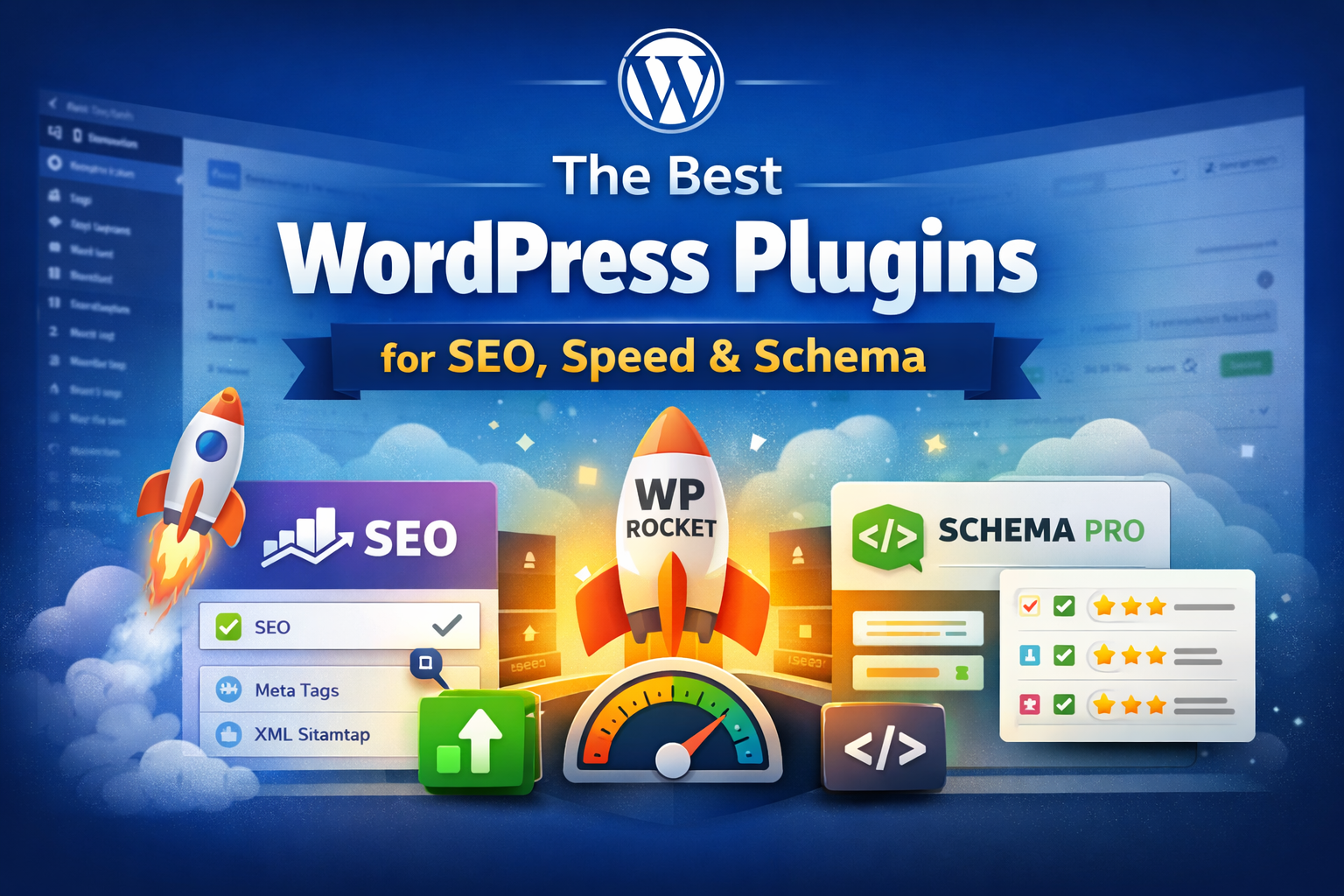
A WordPress website can look great, publish useful content, and still struggle to rank if the technical foundation is weak.
Business websites lose traffic because their pages take too long to load because they lack structured data and their internal linking system is ineffective and their on-page SEO elements are insufficient. The right plugin stack provides a solution that resolves most problems without needing to rebuild your entire website.
Most site owners install too many plugins which creates the opposite problem because it results in slower speed and conflicts and excessive code.
The most effective method requires selecting a limited number of powerful plugins which will enhance SEO and speed and schema markup and user experience simultaneously.
This guide shows the best WordPress plugins which improve SEO and speed and schema markup performance along with their combination methods for boosting rankings and website performance.
Why Plugin Choice Matters for SEO and Performance
Search engines now evaluate much more than keywords.
Google assesses:
page speed
mobile usability
Core Web Vitals
structured data
internal linking
crawlability
content hierarchy
trust signals
AI-powered search results depend on well-defined page structures which utilize schema markup to function effectively.
Your plugin configuration determines the following results:
rankings
rich snippets
AI Overview visibility
local SEO
CTR
bounce rate
lead conversions
The best plugins enhance both technical SEO and actual user experience.
1) Rank Math SEO – Best All-in-One SEO Plugin
Rank Math stands as a leading SEO plugin for contemporary WordPress websites.
It helps manage:
title tags
meta descriptions
XML sitemaps
redirects
schema templates
internal link suggestions
index controls
image SEO
Why it stands out:
Its lightweight structure makes it more efficient than most SEO plugins.
The system provides simple schema support.
The system includes local SEO settings for business use.
The system supports WooCommerce SEO management.
The system provides strong content optimization suggestions.
The system proves essential for service businesses and local websites and content-heavy blogs.
The best use case:
websites who require total SEO control from a single location
2) WP Rocket – Best Plugin for Speed Optimization
WP Rocket stands Website speed directly impacts rankings and conversions.
A slow WordPress site causes:
lower rankings
poor mobile UX
high bounce rate
lower form submissions
reduced crawl efficiency
WP Rocket stands as one of the top caching plugins which boosts speed through its abilities to enhance:
page caching
browser caching
CSS minification
JS optimization
lazy loading
database cleanup
preload
delay JS execution
This plugin provides significant benefits to business websites through its capability to enhance:
LCP
INP
CLS
mobile speed scores
Best for:
service sites, local SEO sites, landing pages, WooCommerce
3) Schema Pro – Best Plugin for Advanced Structured Data
Schema is now essential for:
FAQ rich results
local business details
reviews
services
articles
breadcrumbs
AI search understanding
Schema Pro enables users to implement sophisticated structured data across various website sections.
Best schema types for business websites:
Local Business
Service
FAQ
Article
Review
Breadcrumb
Organization
This is especially powerful for:
local service pages
city pages
blogs
product/service comparisons
knowledge articles
Strong schema helps improve:
CTR
SERP visibility
AI Overview understanding
entity relevance
4) Perfmatters – Best for Removing Plugin Bloat
Even good WordPress sites become slow because of unnecessary scripts.
Perfmatters helps disable:
unused CSS
emojis
embeds
unused plugin scripts
WooCommerce cart fragments
database junk
heartbeat API bloat
Perfmatters significantly enhances real-world Core Web Vitals assessment.
Best for:
websites with many builders, forms, chat widgets, and analytics tools
5) ShortPixel – Best Image Optimization Plugin
Large images are one of the biggest causes of poor speed scores.
ShortPixel helps by:
compressing images
converting to WebP / AVIF
optimizing thumbnails
reducing image payload
improving mobile speed
This directly helps:
faster service pages
better blog load speed
improved visual UX
reduced server load
For content-heavy SEO websites, image optimization is essential.
The best results come from using fewer high-quality plugins, not more plugins.
Common Plugin Mistakes That Hurt SEO
Many websites install too many overlapping tools.
Common mistakes:
- Using 2 SEO plugins together
- Installing multiple cache plugins
- Adding too many schema plugins
- Using heavy pop-up plugins
- Keeping unused page builder add-ons active
- Creating duplicate sitemap tools
- Applying bad image compression settings
These issues can hurt:
speed
crawlability
CLS
code cleanliness
plugin conflicts
Businesses should adopt a clean plugin strategy which performs better than the common belief that more plugins will boost their SEO outcome.
How to Choose the Right Plugin Setup
Choose based on the website’s actual goals.
Ask:
do you need local SEO?
do you need faster mobile speed?
do you want FAQ rich snippets?
do you run service location pages?
do you need WooCommerce optimization?
do you want AI search visibility?
The right combination should improve:
rankings plus speed plus CTR plus conversions not just vanity SEO scores.
The best WordPress plugins for SEO, speed, and schema are the ones that improve both search visibility and user experience.
A strong stack usually includes:
Rank Math for SEO control
WP Rocket for performance
Schema Pro for structured data
Perfmatters for script optimization
ShortPixel for image compression
This setup gives websites a stronger chance to:
rank higher
load faster
earn rich results
improve AI visibility
generate more leads
Instead of installing dozens of plugins, focus on a lightweight stack that solves real technical SEO problems.
That’s what creates sustainable growth.