SEO investments by businesses lead to better website traffic which they celebrate as success.
After some time customers start to ask the question:
“The customers who visited our site how many of them became potential customers for us?”
Websites face their greatest difficulty at this point because they monitor:
impressions
clicks
rankings
They fail to monitor the essential details which should be observed:
enquiries
calls
bookings
SEO performance requires lead measurement because lead information serves as the foundation for all SEO assessment activities.
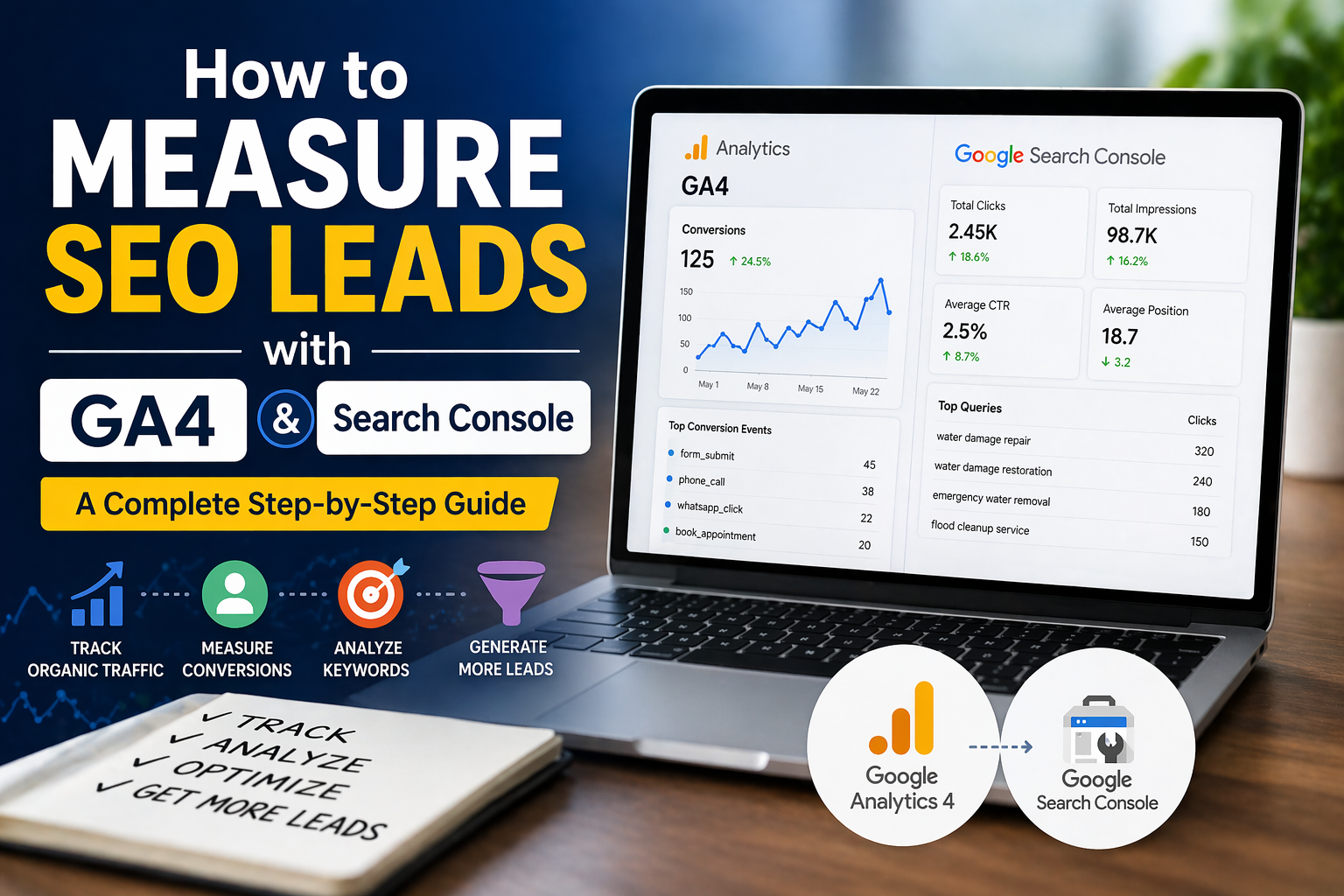
You can now track your business growth through SEO by using Google Analytics 4 and Google Search Console.
We will present the information through a straightforward and usable format.
The SEO Lead Journey begins with understanding how potential customers become actual leads.
Tracking will only become effective after people understand the process which leads to customer acquisition.
The typical user journey goes through these stages:
User searches on Google
Finds your page
Clicks your website
Reads your content
Takes action (call, form, message)
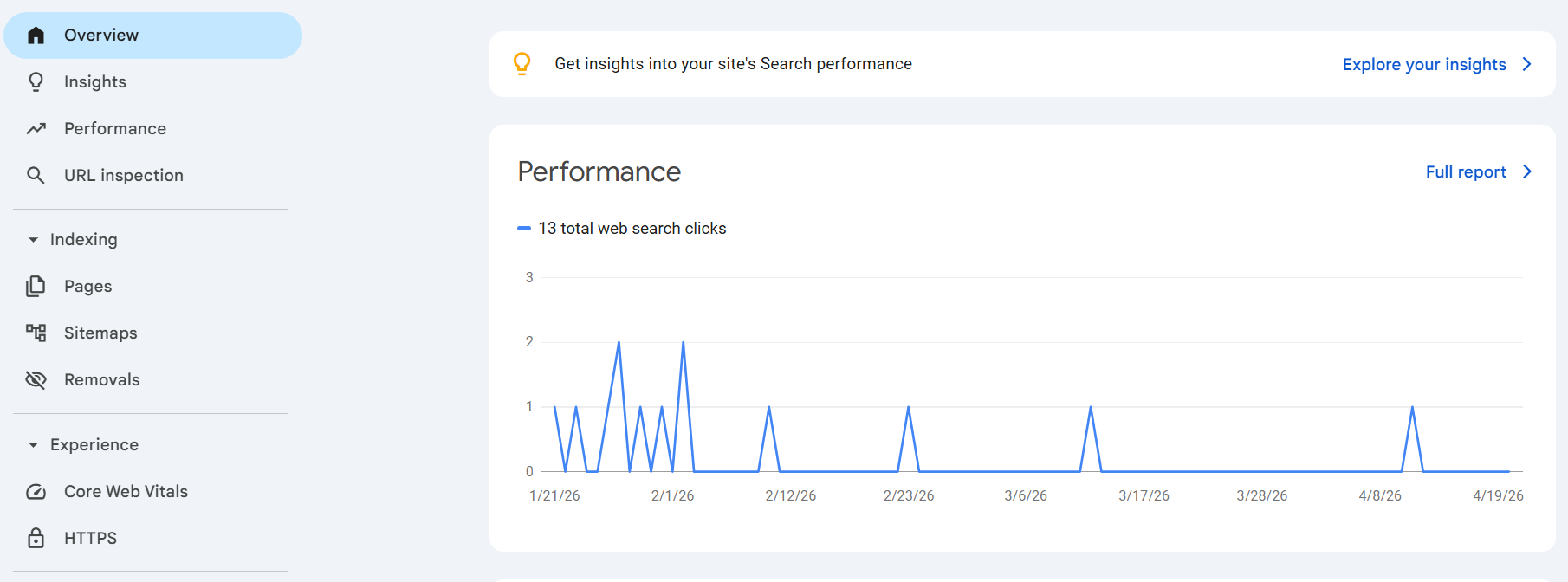
Search Console shows steps 1–2 while GA4 tracks 3–5.
The two systems deliver complete information when you use them together.
Step 1: Make Sure GA4 Is Tracking Correctly
Google Analytics 4 functions as the foundation for all processes.
Your data becomes incomplete when the installation process remains uncompleted.
Check:
Is tracking code added to all pages?
Are sessions being recorded?
Is real-time data working?
You should proceed with lead tracking after you have completed these verification steps.
Step 2: Identify What a “Lead” Means for You
The definition of leads varies between different businesses.
You should define all details which need to be established for your business.
The service business requires these contact methods:
contact form submission
phone call click
WhatsApp click
The eCommerce business needs these purchase methods:
purchase
add to cart
The SaaS business requires these demo methods:
demo booking
signup
This step is critical because GA4 needs clear signals.
Step 3: Set Up Conversion Events
GA4 uses events to track leads according to its system.
You must declare all crucial activities as conversions when they occur.
Common setups:
1) Thank You Page Tracking
Track user activity on the page when users reach:
/thank-you
after they complete their form submission.
2) Button Click Tracking
Track the following button clicks on your website:
call buttons
contact buttons
booking buttons
3) Phone Click Tracking
Track links with:
tel:+123456789
You should mark all tracked items as conversions in GA4.
Step 4: Use Search Console to Understand Traffic Sources
Google Search Console helps you understand how users find you.
You’ll see:
keywords (queries)
impressions
clicks
CTR
But it doesn’t show conversions.
The system needs GA4 data to function properly.
Step 5: Connect GA4 with Search Console
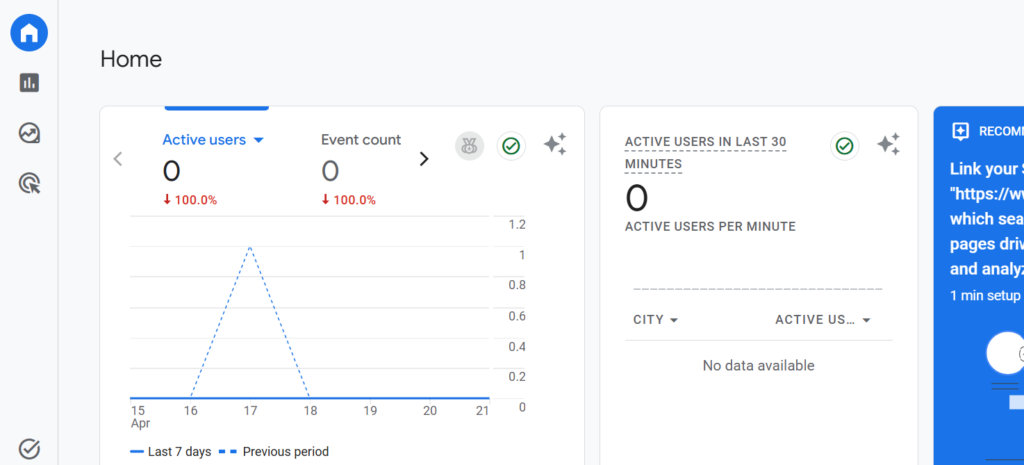
Connection to this system provides you with strong analytical capabilities which enable you to analyze
When two systems connect you can discover which keywords produce website visitors and which pages succeed in turning visitors into customers.
Result:
You move from:
“We get traffic from Google”
to:
“This keyword and this page bring actual leads”
Step 6: Analyze Landing Pages That Generate Leads
In GA4:
Go to:
Reports → Engagement → Landing Pages
Filter:
organic traffic
Now look at:
sessions
conversions
Example insight:
Blog page → high traffic, low leads
Service page → low traffic, high leads
This method helps you determine which tasks require immediate attention.
Step 7: Measure Conversion Rate (Not Just Leads)
Leads alone don’t tell the full story.
The best metric to use is:
Conversion Rate = Leads ÷ Visitors
Example:
Page A: 500 visitors → 5 leads (1%)
Page B: 100 visitors → 10 leads (10%)
Page B provides more valuable content for users.
This method helps you concentrate on gathering high-quality leads instead of collecting large volumes of leads.
The process of tracking user activity begins before users finalize their purchases.
Not every user will make a purchase decision immediately.
Some users:
visit multiple pages
return later
compare options
GA4 helps you see:
user paths
time on page
engagement
This content demonstrates which information affects customer decision-making processes.
Step 9: Identify Drop-Off Problems
Users who fail to convert experience difficulties which prevent their progress.
Common issues:
slow website
confusing layout
weak CTA
long forms
lack of trust
Fix:
improve page speed
simplify forms
add testimonials
use clear CTAs
Step 10: Connect SEO Data with Business Decisions
The establishment of lead tracking systems in your business helps to create better SEO strategies which optimize your operations.
You will improve performance by executing these actions:
focus on pages that convert
improve weak pages
target better keywords
invest in high-performing content
Common Mistakes to Avoid
tracking traffic but not leads
not setting conversion events
ignoring mobile users
not connecting GA4 + Search Console
focusing only on rankings
The actual performance results become hidden because these mistakes exist.
Simple SEO Lead Tracking Workflow
Set up Google Analytics 4
Define lead actions
Track events (forms, calls, clicks)
Connect Google Search Console
Analyze landing pages
Improve based on data
Repeat the entire process at regular intervals.