

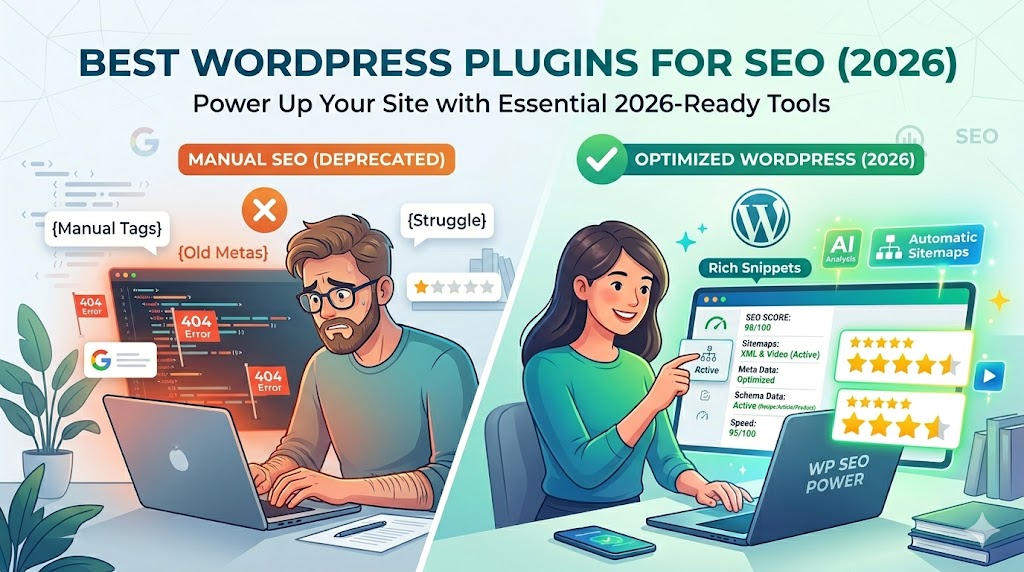
If you’re using WordPress, chances are you’ve seen countless SEO plugins that claim to offer “higher rankings” and “instant optimization.”
Not really.
SEO plugins aren’t supposed to optimize your site’s rankings; they just make your site more organized from an SEO standpoint.
In this article, I’ll share with you the best SEO plugins for WordPress in 2026, their pros and cons, and which plugins are truly worthy of being installed on a live site.
Do You Really Need an SEO Plugin?
Technically, WordPress already includes decent SEO basics.
But SEO plugins help simplify:
- Meta titles and descriptions
- XML sitemaps
- Schema markup
- Redirect management
- Content optimization
* They make technical SEO easier to manage without coding.
1. Rank Math — Best Overall SEO Plugin in 2026
Rank Math has become extremely popular because it offers advanced SEO tools—even in the free version. Multiple 2026 comparisons highlight its generous feature set and built-in schema tools. (Rank Math)
Best For:
- Bloggers
- Small businesses
- Advanced WordPress users
Key Features:
- Schema markup
- XML sitemaps
- Redirection manager
- Google Search Console integration
- Multiple keyword optimization
Why People Like It:
Many users prefer it because features locked behind paywalls elsewhere are included for free. Reddit discussions in 2026 frequently mention its strong value for money.
Potential Downsides:
* Beginners may feel overwhelmed by the number of settings.
2. Yoast SEO — Best for Beginners
Yoast SEO remains one of the most trusted SEO plugins thanks to its beginner-friendly interface and readability guidance. (Yoast)
Best For:
- Beginners
- Content-heavy blogs
- Non-technical website owners
Key Features:
- Readability analysis
- Focus keyword optimization
- Automatic XML sitemaps
- Internal linking suggestions
Why It’s Popular:
* It explains SEO in a very beginner-friendly way.
Potential Downsides:
Some advanced features require premium plans.
3. All in One SEO — Best for Business Websites
All in One SEO (AIOSEO) focuses heavily on business-friendly SEO management and technical optimization. (aioseo)
Best For:
- Business websites
- WooCommerce stores
- Agencies
Key Features:
- Smart schema generation
- Local SEO tools
- WooCommerce SEO optimization
- SEO audit tools
Why Businesses Use It:
* It balances usability with advanced SEO controls.
4. SEOPress — Best Lightweight Alternative
If you dislike bloated dashboards, SEOPress is worth considering. Many developers and agencies prefer it for its cleaner interface and white-label support. (seopress)
Best For:
- Agencies
- Developers
- Lightweight websites
Strengths:
- Fast performance
- Minimal interface
- White-label features
Weakness:
* Slightly less beginner-focused.
5. Google Site Kit — Best for Analytics Integration
Unlike traditional SEO plugins, Google Site Kit connects WordPress directly to Google services. (Google Site Kit)
It integrates:
- Google Analytics
- Search Console
- PageSpeed Insights
* Useful for monitoring SEO performance inside WordPress.
SEO Plugins Don’t Replace SEO Strategy
This is the biggest misunderstanding beginners have.
SEO plugins help with:
- Technical optimization
- Metadata
- Sitemaps
- Structured content
They DO NOT automatically:
- Create quality content
- Build backlinks
- Understand user intent
- Improve authority
As several Reddit users pointed out:
“Plugins are technical tools—not ranking guarantees.”
Performance Matters Too
Some SEO plugins become bloated over time.
Too many features can:
- Slow down your website
- Increase database usage
- Create plugin conflicts
* Lightweight setups often perform better long term.
Example: Basic SEO Meta Tag
Most SEO plugins automatically generate tags like this:
<meta name="description" content="Learn how to optimize your WordPress website for SEO.">
* This helps search engines understand your page content.
What About AI SEO Features?
Several SEO plugins now include AI-assisted tools for:
- Meta descriptions
- Content suggestions
- Schema generation
WordPress.com’s 2026 plugin testing specifically highlighted this growing trend.
* Helpful for productivity—but human strategy still matters more.
Plugins You Should Avoid
Avoid:
- Abandoned plugins
- Duplicate SEO plugins
- “Instant ranking” plugins
- Overly bloated all-in-one tools
A recent WordPress plugin security incident showed how compromised plugins can affect thousands of sites.
* Quality and maintenance matter more than feature quantity.
Real-World Recommendation
For Beginners:
Use:
- Yoast SEO
OR - Rank Math
For Agencies & Advanced Users:
Consider:
- SEOPress
- Rank Math Pro
For WooCommerce:
AIOSEO and Rank Math both offer strong eCommerce support.
Common SEO Plugin Mistakes
a. Installing Multiple SEO Plugins
This often creates conflicts.
b. Chasing “Green Scores”
SEO scores are guides—not ranking guarantees.
c. Ignoring Website Speed
SEO plugins can’t fix slow hosting or bloated websites.
d. Depending Entirely on Automation
Human-written content still wins long term.
FAQ
Which WordPress SEO plugin is best in 2026?
Rank Math, Yoast SEO, and AIOSEO are currently among the most recommended options.
Is Rank Math better than Yoast?
Rank Math offers more free features, while Yoast is often easier for beginners.
Can SEO plugins improve rankings automatically?
No. They help optimize your website technically, but content quality and SEO strategy still matter most.
Summary
The best SEO plugin depends on:
- Your experience level
- Website goals
- Technical comfort level
Key takeaway:
- Rank Math → Best overall features
- Yoast SEO → Best for beginners
- AIOSEO → Best for business sites
- SEOPress → Best lightweight option
* SEO plugins support optimization—but they don’t replace real SEO work.
Get started
If your website already uses multiple SEO plugins:
- Simplify your setup
- Keep only one main SEO plugin
- Focus on content quality and speed optimization
👉 Strong SEO comes from strategy, consistency, and user experience—not plugin overload.
Choose the right SEO plugin for your WordPress website in 2026 and build a stronger foundation for long-term rankings




