

Introduction
Attracting people to your website is one thing, but converting them is the true test. This is where sophisticated CRO (Conversion Rate Optimization) development takes its place.
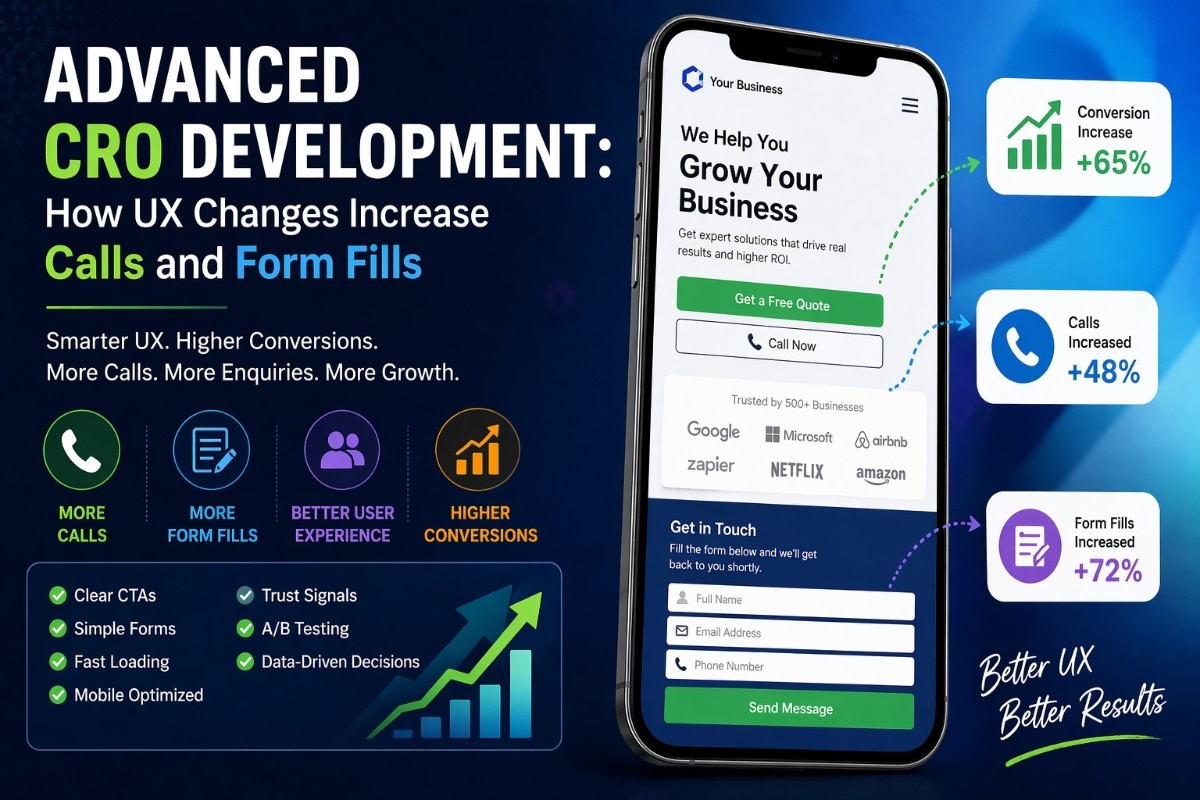
This eBook will teach you how minor adjustments to user experience can lead to higher call volumes and more form submissions, among other useful tips and actual case studies that you can use right away.
What Is CRO Development?
CRO (Conversion Rate Optimization) development focuses on improving how users interact with your website so more of them take action.
Conversions can include:
- Phone calls
- Form submissions
- Bookings
- Purchases
* The goal: Get more results from the same traffic.
Why UX Plays a Huge Role in Conversions
Users don’t convert because:
- They’re confused
- They don’t trust the site
- It feels slow or complicated
* Good UX removes friction and builds confidence.
Step 1: Make Your Call-to-Action (CTA) Impossible to Miss
Your CTA drives conversions.
What works:
- Clear text: “Get a Free Quote”
- High contrast buttons
- Placement above the fold
Example:
<button class="cta">Get a Free Quote</button>* Users should instantly know what to do next.
Step 2: Reduce Form Friction
Long, complex forms kill conversions.
Fix it:
- Ask only essential fields
- Use autofill and dropdowns
- Break long forms into steps
Example:
<input type="email" placeholder="Enter your email" required>* The easier the form, the higher the completion rate.
Step 3: Improve Page Load Speed
Slow websites lose users before they convert.
Optimize:
- Image sizes
- Scripts and CSS
- Hosting performance
* Even a 1-second delay can reduce conversions.
Step 4: Use Trust Signals
Users won’t convert if they don’t trust you.
Add:
- Testimonials
- Reviews
- Client logos
- Security badges
* Trust = higher conversions.
Step 5: Optimize Mobile UX
Most users are on mobile.
Improve:
- Button size
- Navigation simplicity
- Click-to-call features
Example:
<a href="tel:+1234567890">Call Now</a>* Make it effortless to contact you.
Step 6: Use Clear, Benefit-Driven Copy
Users care about results—not features.
Instead of:
“High-quality services”
Use:
“Get more leads in 30 days”
* Clarity increases conversions.
Step 7: Remove Distractions
Too many elements confuse users.
Reduce:
- Unnecessary links
- Popups
- Cluttered layouts
* Focus user attention on the CTA.
Step 8: Add Urgency and Scarcity
Encourage users to act now.
Examples:
- “Limited slots available”
- “Offer ends today”
* This increases immediate action.
Step 9: A/B Test Everything
Don’t guess—test.
Test:
- CTA text
- Button colors
- Form layouts
- Headlines
* Small changes can lead to big gains.
Real Example: CRO Impact
Before Optimization:
- Low form submissions
- High bounce rate
After UX Improvements:
- Clear CTA
- Faster load time
- Simplified form
* Result: Significant increase in calls and form fills
Common CRO Mistakes
- Hidden CTAs
- Slow pages
- Too many form fields
- Poor mobile experience
- Weak messaging
* Fixing these alone can boost conversions.
FAQ
What is CRO in web development?
CRO focuses on improving user experience to increase conversions.
How does UX affect conversions?
Better UX reduces friction and makes it easier for users to take action.
What is the fastest way to improve conversions?
Optimize CTAs, simplify forms, and improve page speed.
Summary
Advanced CRO development is about making smart UX changes that guide users toward action.
Key takeaways:
- Make CTAs clear and visible
- Reduce form friction
- Improve speed and mobile UX
- Build trust and remove distractions
what Should You Do Next? (CTA)
Start improving your conversions today:
- Audit your current UX
- Fix your CTA placement
- Simplify your forms
Then test and optimize continuously.
* Small UX improvements can lead to big increases in calls and enquiries.




