

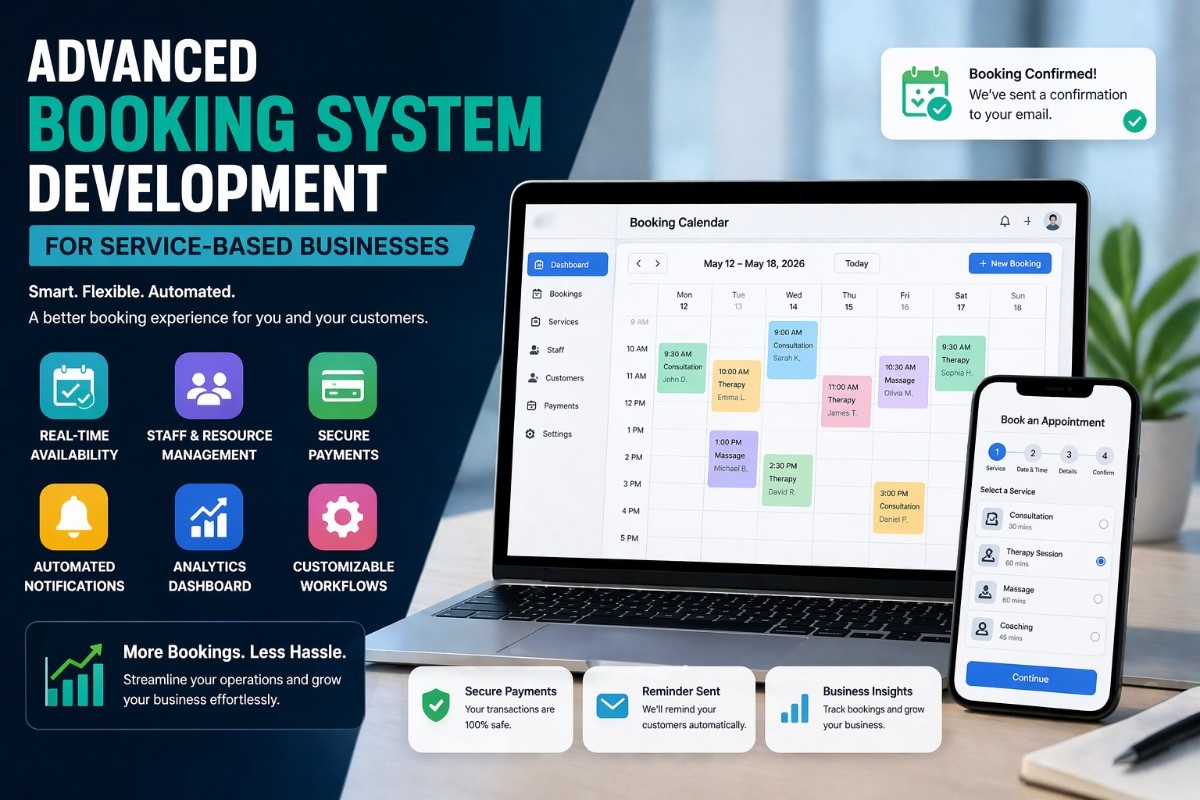
If you are running a service business like a salon, consultancy, clinic, or agency, the booking system that you have in place isn’t just a scheduling tool. It impacts your income, as well as your operations.
In this tutorial, you will be introduced to an advanced way of building your booking system that helps you schedule, automate workflows, avoid no-shows, and convert more clients.
What Is an Advanced Booking System?
An advanced booking system goes beyond basic appointment scheduling.
It includes:
- Real-time availability
- Automated confirmations
- Payment integration
- Staff and resource management
- Smart notifications
* In simple terms: it runs your booking process on autopilot.
Why Your Business Needs an Advanced Booking System
1. Reduces Manual Work
No more back-and-forth emails or calls.
2. Improves Customer Experience
Users can book instantly, anytime.
3. Increases Revenue
Fewer missed bookings = more income.
4. Minimizes No-Shows
Automated reminders keep clients engaged.
Key Features of an Advanced Booking System
1. Real-Time Availability
Customers should only see available time slots.
2. Multi-Service Booking
Allow users to select:
- Different services
- Duration-based options
- Add-ons
3. Staff Management
Assign bookings to:
- Specific staff members
- Locations
- Resources
4. Payment Integration
Accept payments during booking.
5. Notifications & Reminders
- Email confirmations
- SMS reminders
- Follow-ups
How an Advanced Booking System Works
Step 1: User Selects Service
The user chooses what they need.
Step 2: System Checks Availability
Backend logic verifies free slots.
Step 3: Booking Is Confirmed
User receives confirmation instantly.
Step 4: Notifications Are Sent
Reminders reduce no-shows.
Example: Basic Booking API Logic
app.post('/book', async (req, res) => {
  const { service, date, time } = req.body;

  const isAvailable = await checkAvailability(service, date, time);

  if (!isAvailable) {
    return res.status(400).json({ message: "Slot not available" });
  }

  const booking = await createBooking(req.body);
  res.json({ success: true, booking });
});
👉 This ensures no double bookings.
Example: Frontend Booking Form
<form>
  <select name="service">
    <option>Consultation</option>
    <option>Support Session</option>
  </select>

  <input type="date" name="date">
  <input type="time" name="time">

  <button type="submit">Book Now</button>
</form>
* Keep forms simple for better conversions.
Step-by-Step: Build an Advanced Booking System
Step 1: Define Business Requirements
- Services offered
- Booking duration
- Staff availability
Step 2: Design Database Structure
Example tables:
- Users
- Services
- Bookings
- Availability
Step 3: Build Backend Logic
Handle:
- Availability checks
- Booking creation
- Payment processing
Step 4: Create Frontend UI
Focus on:
- Simple booking flow
- Mobile-friendly design
- Clear CTAs
Step 5: Integrate Payments
Use secure gateways to accept payments.
Step 6: Add Notifications
Automate:
- Booking confirmations
- Reminders
- Follow-ups
Advanced Features to Consider
1. Recurring Bookings
Allow weekly or monthly scheduling.
2. Time Zone Handling
Important for global customers.
3. Calendar Sync
Integrate with Google Calendar or Outlook.
4. Analytics Dashboard
Track:
- Bookings
- Revenue
- Customer trends
Common Mistakes to Avoid
- Overcomplicated booking forms
- No mobile optimization
- Lack of reminders
- Poor UX design
- Ignoring payment integration
* Simplicity wins.
Real-World Insight
Many businesses lose bookings not because of demand—but because of friction.
* A slow or confusing booking system = lost customers
* A fast, simple system = more conversions
FAQ
What is an advanced booking system?
It’s a system that automates scheduling, payments, and notifications.
Can I build a booking system without coding?
Yes, using no-code tools—but custom solutions offer more flexibility.
How do booking systems increase revenue?
By reducing friction, preventing double bookings, and minimizing no-shows.
Summary
An advanced booking system helps you:
- Automate operations
- Improve customer experience
- Increase bookings and revenue
The key is building something that’s:
- Fast
- Simple
- Reliable
What Should You Do Next? (CTA)
Start small and build step by step.
* Define your booking requirements
* Create a simple booking flow
* Add automation features gradually
Once your system is optimized, it becomes a powerful tool that works for your business 24/7.




