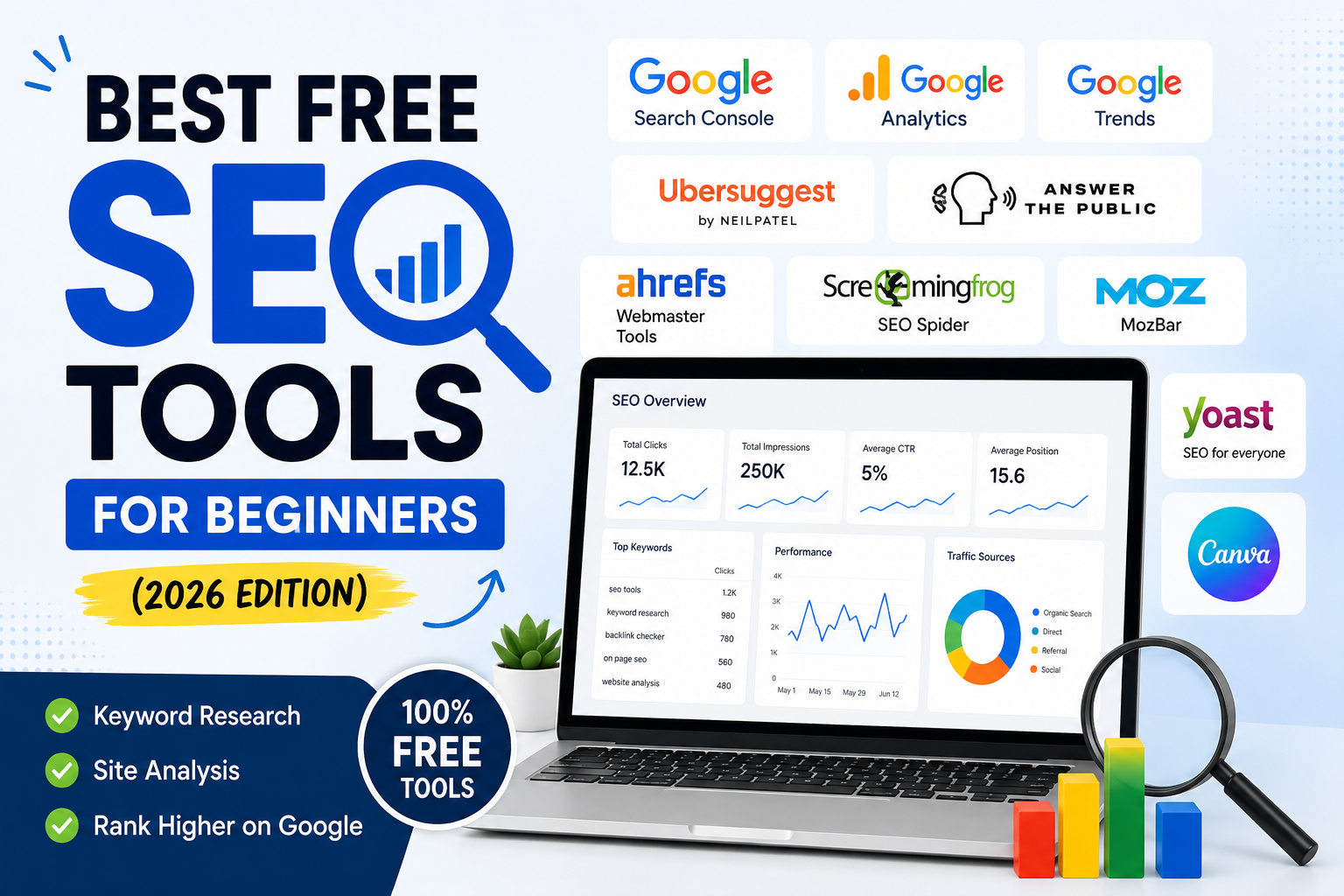
The process of starting SEO work becomes difficult because the recommended tools in every guide require users to spend money on expensive tools. The good news? You don’t need a big budget to make real progress. In 2026, there are plenty of free SEO tools that help you research keywords, analyze competitors, fix technical issues, and track performance.
This guide provides an overview of essential free SEO tools for beginners and their practical application and the appropriate time for users to upgrade their tools.
Why Use Free SEO Tools?
The list contains free tools which can provide you with these functionalities:
Discover keywords your audience is searching for
Track website performance and traffic
Fix technical SEO issues
Analyze backlinks and competitors
Improve content for better rankings
The solution provides effective results to small businesses and bloggers and beginners who want to achieve results without spending money.
1. Google Search Console
Best for: Website performance tracking
This tool from Google serves as an essential requirement for website owners. The tool displays your website’s search result appearance while showing all the factors that lead to ranking problems.
Key Features:
Keyword impressions and clicks
Indexing and coverage reports
Mobile usability insights
Core Web Vitals performance
Why beginners love it: It offers a no-cost solution which provides precise data while being essential for future growth in SEO.
2. Google Analytics
Best for: Traffic analysis
Google Analytics enables you to track all user actions that visitors perform on your website.
Key Features:
Traffic sources (organic, direct, referral)
User behavior tracking
Conversion tracking
Audience insights
Pro tip: Combine it with Search Console for deeper SEO insights.
3. Ubersuggest
Best for: Keyword research
Ubersuggest enables beginners to obtain keyword suggestions along with information about their competitive landscape.
Key Features:
Keyword suggestions
SEO difficulty score
Content ideas
Backlink data
Free version: The daily searches limited by this version provide sufficient capacity to support beginner users.
4. AnswerThePublic
Best for: Content ideas
This tool shows real questions people ask on Google.
Key Features:
Question-based keyword ideas
Visual keyword maps
Long-tail keyword discovery
Why use it: The tool provides ideal content creation solutions for creating blog topics and user-centered materials.
5. Ahrefs Webmaster Tools
Best for: Website audits & backlinks
Ahrefs provides site owners access to their services without any cost.
Key Features:
Backlink analysis
Site audit reports
Keyword tracking (limited)
Beginner users receive professional-grade insights which they can access without any payment requirements.
6. MozBar
Best for: On-page SEO analysis
MozBar serves as a browser extension which displays all SEO metrics present on any website.
Key Features:
Domain Authority (DA)
Page Authority (PA)
On-page analysis
The tool enables users to perform competitor analysis while they browse through web pages.
7. Screaming Frog SEO Spider (Free Version)
Best for: Technical SEO
The tool functions as a search engine which crawls your website.
Key Features:
Broken link detection
Meta tag analysis
Redirect tracking
The free version allows crawling for up to 500URLs as its maximum limit.
8. Canva
Best for: SEO visuals & featured images
SEO requires text content but visual elements such as images play a significant role.
Key Features:
Blog featured images
Infographics
Social media visuals
The tool enables users to create visual elements which lead to higher viewer interaction and improved click-through rates.
9. Yoast SEO
Best for: On-page SEO optimization
WordPress users must use Yoast because it serves as an essential element for their platform needs.
Key Features:
Readability analysis
Keyword optimization
Meta tag editing
XML sitemap creation
10. Google Trends
Best for: Trending topics
Find what’s popular in your niche.
Key Features:
Keyword trends over time
Regional interest
Related topics
Use this tool as a way to develop content which will attract many visitors at peak times.
How to Use These Tools Together
The beginners follow this basic workflow:
Find topics using AnswerThePublic
Validate keywords with Ubersuggest
Check trends using Google Trends
Optimize content using Yoast SEO
Track performance in Google Search Console
Analyze traffic with Google Analytics
The free combination provides you with an entire SEO system which covers all your needs.
Common Mistakes Beginners Should Avoid
Using too many tools at once
Ignoring technical SEO issues
Targeting highly competitive keywords
Not tracking performance
Publishing content without optimization
Start out with the basic version before you expand into more advanced features.
SEO becomes affordable because users can access free tools which provide essential capabilities for users to establish their online presence on Google.
The key is consistency—use these tools regularly, create helpful content, and track your progress.