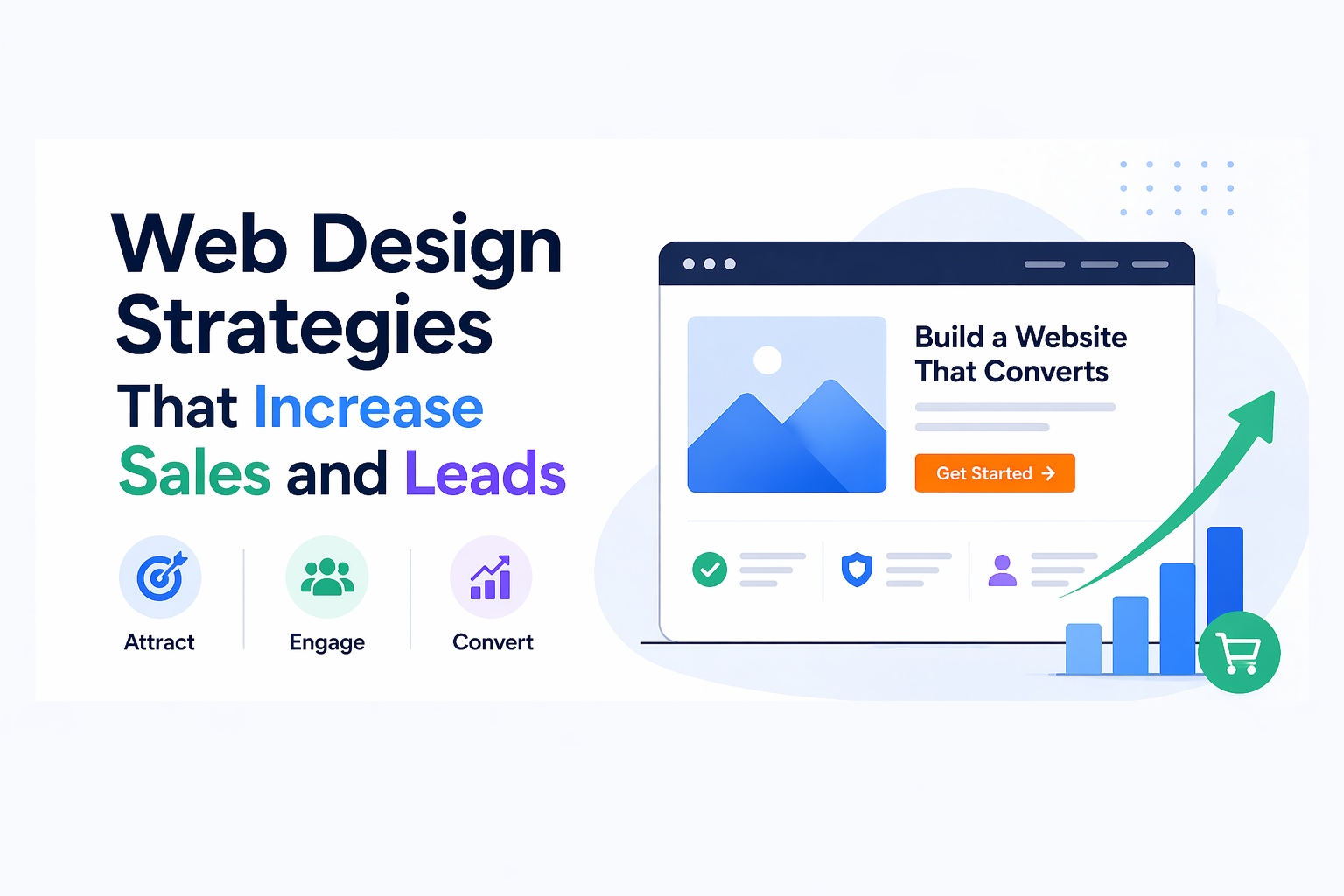
Businesses today need more than just a website presence because they should establish sites which turn visitors into paying customers. Your business will benefit from a well-designed website because it generates additional sales and leads without requiring extra marketing costs.
The blog provides web design techniques which positively affect conversions and user experience and business expansion. Business owners and developers and designers will gain knowledge from these insights which will help them create websites with high performance.
1. Focus on Clear and Strong CTAs (Call-To-Actions)
Your website contains your most critical component through its CTA button.
Examples of Effective CTAs:
- “Get Started Now”
- “Book a Free Demo”
- “Download Free Guide”
Example Code:
<button class="cta-btn">Get Started Now</button>
Best Practices:
- Use action-driven text
- Place CTAs above the fold
- Use contrasting colors
A strong CTA directly increases conversions.
2. Improve Website Speed
A slow website kills sales.
- Users leave if a page takes more than 3 seconds
- Faster sites rank better in search engines
Optimization Tips:
- Compress images
- Use CDN
- Minimize CSS/JS
Faster load time = more conversions.
3. Use Clean and Simple Design
Cluttered websites create difficulties for users who try to navigate them.
Keep It Simple:
- Space between elements should be used to its full potential
- The design should use a limited number of colors and fonts
- Designers should keep their design elements to a minimum
The use of simple design elements enhances both concentration and user participation.
4. Mobile-First Design
Mobile devices serve as the primary device for most users who access the internet.
Key Points:
- Web design uses a combination of responsive design and straightforward web design elements
- The website design includes functional touch points which enable users to access its content through touch screen devices
Example:
.container {
display: flex;
flex-direction: column;
}
A mobile-friendly site increases leads significantly.
5. Build Trust with Social Proof
People trust other people.
Add:
- Customer testimonials
- Reviews
- Case studies
- Ratings
The trust elements present in the content will decrease customer doubts while they improve conversion rates.
6. Use High-Quality Visuals
Images and visuals affect how users make their choices.
Tips:
- Use authentic product photographs
- Do not use general stock images
- Keep design elements in the same style
The credibility of a business improves when it uses high-quality visual content.
7. Optimize Landing Pages
Your landing page should have one goal.
Required Elements:
- Headline that shows what content delivers
- Value proposition of the product
- Call to action element
Customer feedback statements
Pages with specific content focus improve their conversion rates.
8. Use Persuasive Copywriting
Design alone is not enough—content matters.
Example:
Instead of:
“Learn more”
Use:
“Start growing your business today”
Words can drive action.
9. Add Live Chat or Chatbots
Instant support increases conversions.
Benefits:
- The system provides immediate answers to all user questions
- The system helps users stay on the website longer
- The system delivers better service to customers
Users who receive fast answers have higher chances to complete their purchases.
10. Create Urgency and Scarcity
Encourage users to act quickly.
Examples:
- “Limited Time Offer”
- “Only 5 Spots Left”
Urgency increases decision-making speed.
11. Simplify Forms
Long forms reduce conversions.
Best Practices:
- Request only essential information
- Implement autofill feature
- Divide the form into multiple stages
Example:
<input type="text" placeholder="Your Name" />
<input type="email" placeholder="Your Email" />
Leads increase when forms require less information.
12. Improve Navigation
Users should find what they need quickly.
Tips:
- Use a basic menu system
- Provide understandable menu items
- Keep navigation elements visible throughout the website
Improved navigation systems lead to better user experiences.
13. Use A/B Testing
The testing process involves evaluating multiple design versions to determine which design produces the best results.
Test:
- CTA colors
- Headlines
- Layouts
The use of data-based decision making will lead to better performance outcomes.
14. Highlight Value Proposition
Tell your users why they should select your business.
Example:
“Get 3x More Leads with Our Proven System”.
A UVP that is clear provides greater opportunity for a user to convert into a lead.
15. Ensure Consistent Branding
Consistency builds trust.
Maintain:
- Same colors
- Same fonts
- Same tone
The implementation of strong branding will enhance brand recognition while it builds consumer trust.
Real-World Example Strategy
High-Converting Website Flow:
- Headline
- CTA
- Benefits Section
- Trust Indicators
- CTA
Use this to build an effective website.
Best Practices Summary
- Make websites simple
- Design for usability
- Design mobile first
- Use strong CTAs
- Establish trust with visitors
A great design is not just pretty. It is an effective design that will achieve business goals.
Highlights:
- Simple websites work
- CTAs cause conversions
- Trust and social proof matter
- Mobile optimization is important
- Take Action
Do you want to enhance your website performance?
- The homepage CTA requires your initial optimization work.
- You need to enhance your website
- You need to test your design by changing one element at a time.