
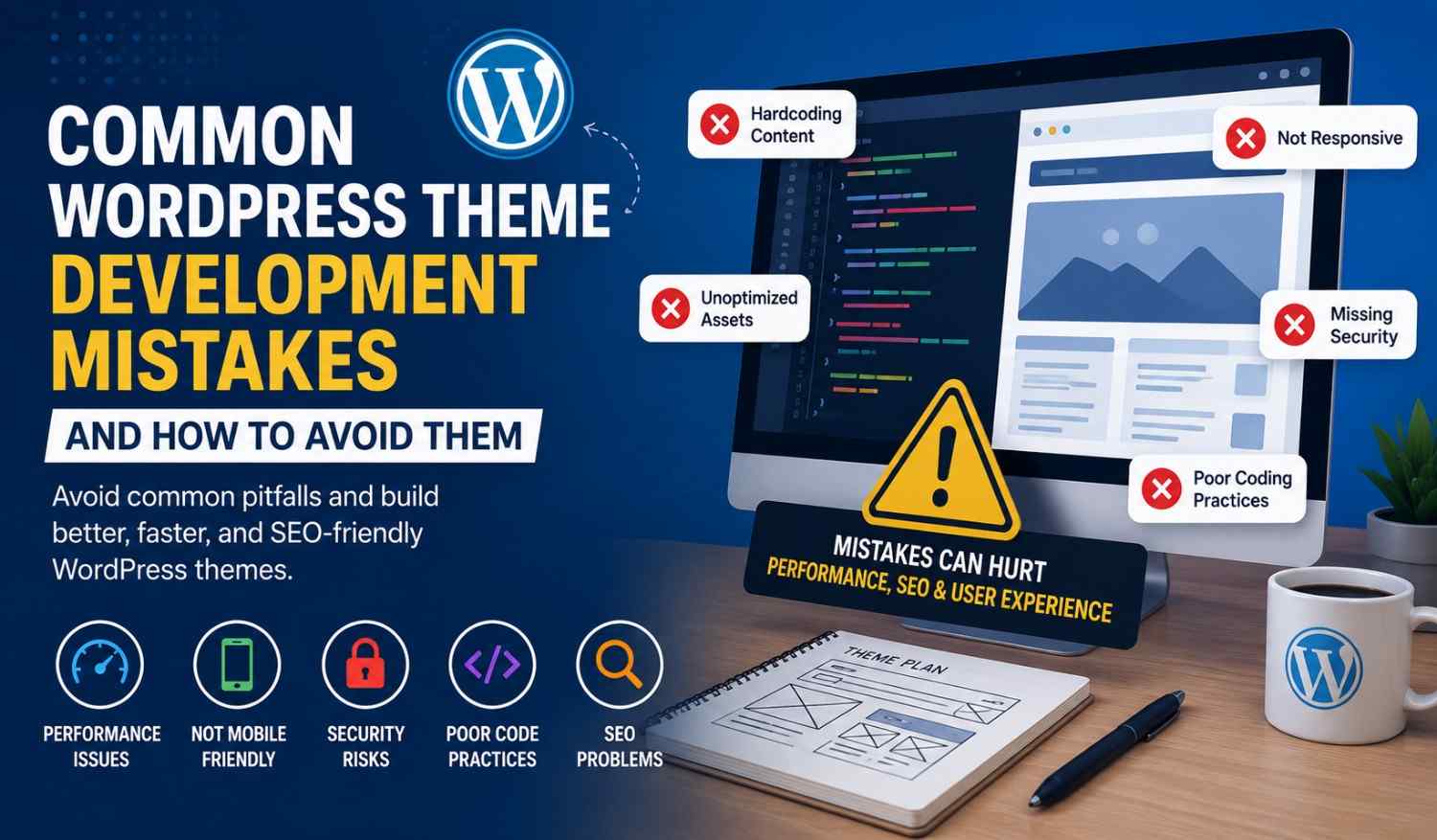
Making a custom WordPress theme can be kind of fun, but developers still end up doing that same set of little errors, you know, the kind that quietly hurt performance and security. Even if the design looks polished, the theme can still wobble if it isn’t tuned the right way, and users will notice.
In this guide, you’ll walk through the most common WordPress theme development mistakes, why they show up, and what you can do to prevent them. If you are newer to all this or you’ve been coding themes for a while, understanding these problems can help you ship themes that feel faster, cleaner, and more professional.
Why Avoiding Theme Development Mistakes Matters
A poorly developed WordPress theme can cause:
* Slow loading speeds
* Mobile responsiveness headaches
* Security vulnerabilities
* SEO issues
* Plugin conflicts
* A frustrating user experience
Fixing these kinds of problems early, saves time later. Plus, it improves the overall quality of the site.
1. Ignoring Responsive Design
One of the most frequent WordPress theme development mistakes is building layouts that basically only behave on desktop screens.
A lot of people now use smartphones and tablets, not laptops. If your theme doesn’t feel mobile-friendly, then visitors might leave pretty fast.
Wrong Approach
.container {
width: 1200px
}
That fixed-width setup tends to collapse on smaller devices, and content gets squeezed in weird ways.
Better Approach
.container {
width: 100%;
max-width: 1200px;
}
Use Media Queries
@media screen and (max-width: 768px) {
.container {
padding: 15px
}
}
Best Practice
Before you launch, test your WordPress theme on mobile, tablet, and desktop. Do it like, for real, not just “it seems fine” once.
2. Hardcoding Content Inside the Theme
Many beginners paste text, links, or images right into template files. It sounds straightforward at first, but it reduces flexibility and makes updates way more annoying.
Bad Example
<h1>My Company Website</h1>
Better Example
<h1><?php bloginfo('name'); ?></h1>
Why This Matters
Using dynamic WordPress functions lets site owners manage things from the admin area, without touching code every time.
3. Not Following WordPress Coding Standards
If you ignore WordPress coding standards, the theme often turns into a messy bundle that’s hard to maintain, and that makes future edits painful.
Common Problems
* Random indentation patterns
* Inconsistent naming
* Unescaped output leaks
* Mixing HTML with PHP in a confusing way
Recommended Example
<?php echo esc_html( $title ); ?>
Benefits of Following Standards
* More readable code
* Easier debugging
* Better security handling
* Smoother teamwork
WordPress has official coding standards, and it really helps to follow them consistently, even when you’re in a rush.
4. Loading Too Many CSS and JavaScript Files
Another classic mistake: adding way too many scripts and stylesheet files.
Too many requests means slower pages, and slower pages mean lower engagement, it’s just the truth.
Wrong Method
<link rel="stylesheet" href="style1.css">
<link rel="stylesheet" href="style2.css">
<link rel="stylesheet" href="style3.css">
Better Method
Combine and minify files where possible. Less clutter, fewer requests, better speed.
Proper WordPress Enqueue Example
function custom_theme_scripts() {
wp_enqueue_style('main-style', get_stylesheet_uri() );
}
add_action('wp_enqueue_scripts', 'custom_theme_scripts');
Best Practice
Use `wp_enqueue_style()` and `wp_enqueue_script()` instead of manually dropping tags into templates like you’re outside WordPress.
5. Ignoring Theme Performance Optimization
Heavy themes can quietly drag SEO down, and users get annoyed immediately.
Common Performance Issues
* Huge, uncompressed images
* CSS that’s not optimized
* Unused JavaScript hanging around
* Too many animations, and they run too often
Performance Tips
* Compress images first
* Add lazy loading
* Minify CSS and JS
* Turn on caching
* Prefer lighter frameworks when you can
Recommended Tools
* GTmetrix
* Google PageSpeed Insights
* Lighthouse
A fast theme tends to help both experience and rankings, because search engines do care about speed.
6. Failing to Make Themes SEO-Friendly
SEO gets overlooked a lot during theme development, until someone complains that nothing ranks.
Common SEO Mistakes
* Missing heading structure
* Weak HTML semantics
* Slow loading speed
* Images without proper alt text
Correct Heading Structure
<h1>Main Title</h1>
<h2>Section Title</h2>
<h3>Subsection</h3>
SEO Best Practices
* Keep code clean
* Optimize site speed
* Add schema markup
* Make sure it’s mobile responsive
* Use semantic HTML5 tags
An SEO-friendly WordPress theme basically helps search engines understand content better, and that can improve visibility.
7. Not Securing User Input and Output
Security matters a ton in WordPress development.
If you don’t sanitize and escape data, you can expose the site to attacks, and it won’t always be obvious at first.
Unsafe Example
echo $_GET['name'];
Safe Example
echo esc_html( $_GET['name'] );
Important Security Functions
* `esc_html()`
* `sanitize_text_field()`
* `wp_nonce_field()`
* `wp_verify_nonce()`
Why Security Matters
Secure themes protect owners, visitors, and the whole platform vibe too.
8. Forgetting Accessibility Features
Accessibility isn’t only “nice to have”. It helps everyone use the site, including people with disabilities.
Common Accessibility Mistakes
* Text contrast that’s too low
* Missing alt text
* Keyboard navigation problems
* Tiny font sizes that strain eyes
Example of Proper Alt Text
<img src="banner.jpg" alt="WordPress theme development example">
Accessibility Best Practices
* Use readable type
* Add meaningful labels
* Support keyboard navigation
* Keep color contrast in a good range
Accessible websites can improve usability, and yes, they often help SEO too.
9. Skipping Cross-Browser Testing
A theme might look smooth in one browser but then, it just… um, snaps in another, you know?
Browsers to Test
* Google Chrome
* Mozilla Firefox
* Safari
* Microsoft Edge
Common Browser Issues
* Layout inconsistencies , sometimes small ones
* CSS rendering problems , like fonts or spacing going weird
* JavaScript compatibility errors , especially with older setups
Testing Tools
* BrowserStack
* LambdaTest
* Chrome DevTools
Cross-browser testing helps keep a similar experience for everyone, not just a few people who happen to use the “right” browser.
10. Not Creating a Child Theme-Friendly Structure
Lots of developers edit the theme directly, as in not worrying about child themes at all.
Then later, when the theme update comes in, everything gets overwritten, and yea it feels bad.
Best Practice
Use WordPress hooks and template functions the right way, so users can tweak the theme safely with child themes, without breaking core changes.
Benefits
* Easier updates
* Better customization
* Fewer maintenance headaches
11. Using Too Many Plugins to Replace Theme Features
When a theme leans heavily on plugin-dependent features, it can become unstable.
Not “instant broken” usually, but more like gradually annoying.
Common Issues
* Slower website speed , because extra scripts pile up
* Plugin conflicts , with settings that fight each other
* Layouts that look fine until an update, then suddenly… nope
Better Solution
Keep the theme lightweight, and add only the essential functionality that actually belongs inside the theme.
In general, themes should mainly handle design and layout, rather than trying to cover every feature through extra add-ons.
WordPress theme development is not only about building attractive designs, or “pretty screens”.
Developers also need to care about responsiveness, performance, SEO, security, accessibility, and clean coding habits.
If you dodge these common errors, you can end up with a theme that feels professional, stays user-friendly, and scales in the long run.
When you follow WordPress standards and optimize your code properly, you can make themes that work well across different devices and browsers, while still delivering a really strong user experience.
If you want to level up your WordPress theme development skills, start auditing your current theme for these mistakes and then apply the best practices from this guide.
A well-optimized WordPress theme can boost SEO visibility, improve website speed, and increase user satisfaction pretty significantly.