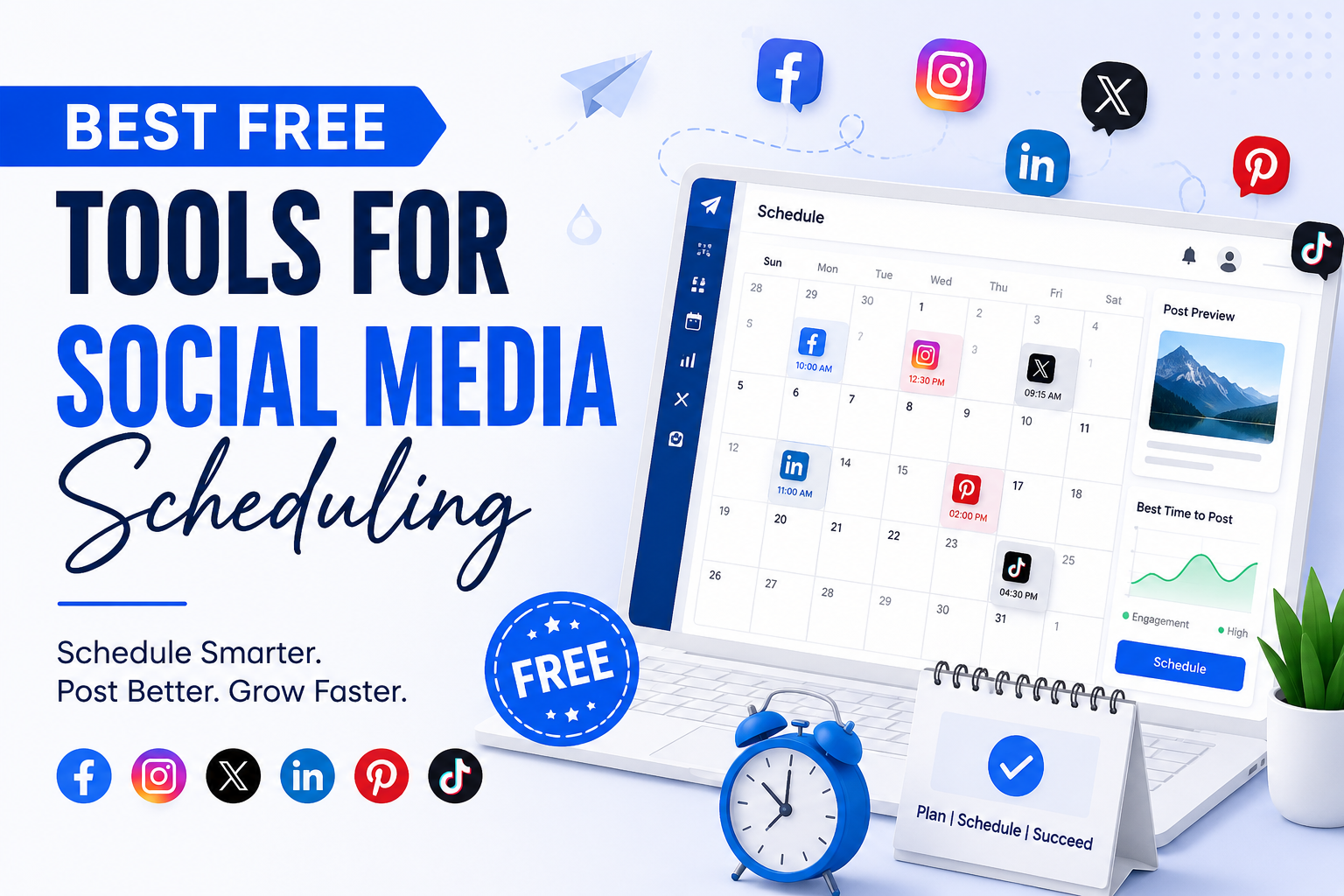
Trying to handle multiple social media accounts can feel a little too much, like you always behind. And yeah, without the right tools it gets messy, fast. For businesses, marketers, influencers, and even startups , it’s hard to keep a steady posting cadence that actually grows your online presence. Good news though there are quite a few free social media scheduling tools that can automate posting , save you time, and help your marketing run smoother.
Why Social Media Scheduling Tools Are Important
Social media scheduling tools let you plan and automate posts across platforms like Facebook, Instagram, LinkedIn, X (Twitter), Pinterest , and TikTok. Instead of posting day by day yourself, you can schedule content ahead of time and keep consistency without the constant logins and check-ins.
Key Benefits of Social Media Scheduling Tools
- Save time , increase productivity
- Keep a steady posting schedule
- Boost audience interaction
- Manage several social accounts from one place
- Review social media performance, with basic insights
- Coordinate campaigns more smartly
- Cut down manual effort
Using free social media management tools is often a big win for startups and small businesses, especially when the marketing budget is tight, or you’re just trying to get momentum without spending too much.
Best Free Tools for Social Media Scheduling
1. Buffer
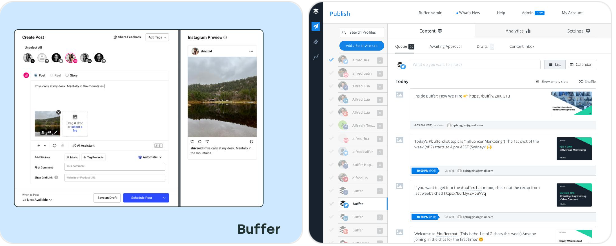
Buffer is one of the most popular free social media scheduling tools out there, it is pretty simple and user friendly like, the kind of thing you open and just start using. It helps businesses plan and schedule posts across multiple social platforms without too much fuss.
Features of Buffer
- Schedule posts for Facebook , Instagram , LinkedIn , Pinterest , and X
- Content calendar view
- AI assisted content creation
- Basic analytics and reporting
- Browser extension for easy content sharing
Why Choose Buffer
Buffer tends to be a solid pick if you are starting out, or if you run a small business. The free version lets you manage up to three social channels and also supports scheduled posting ahead of time, like in advance so you do not have to do it manually later.
Best For
- Small businesses
- Freelancers
- Content creators
- Startups
2. Hootsuite
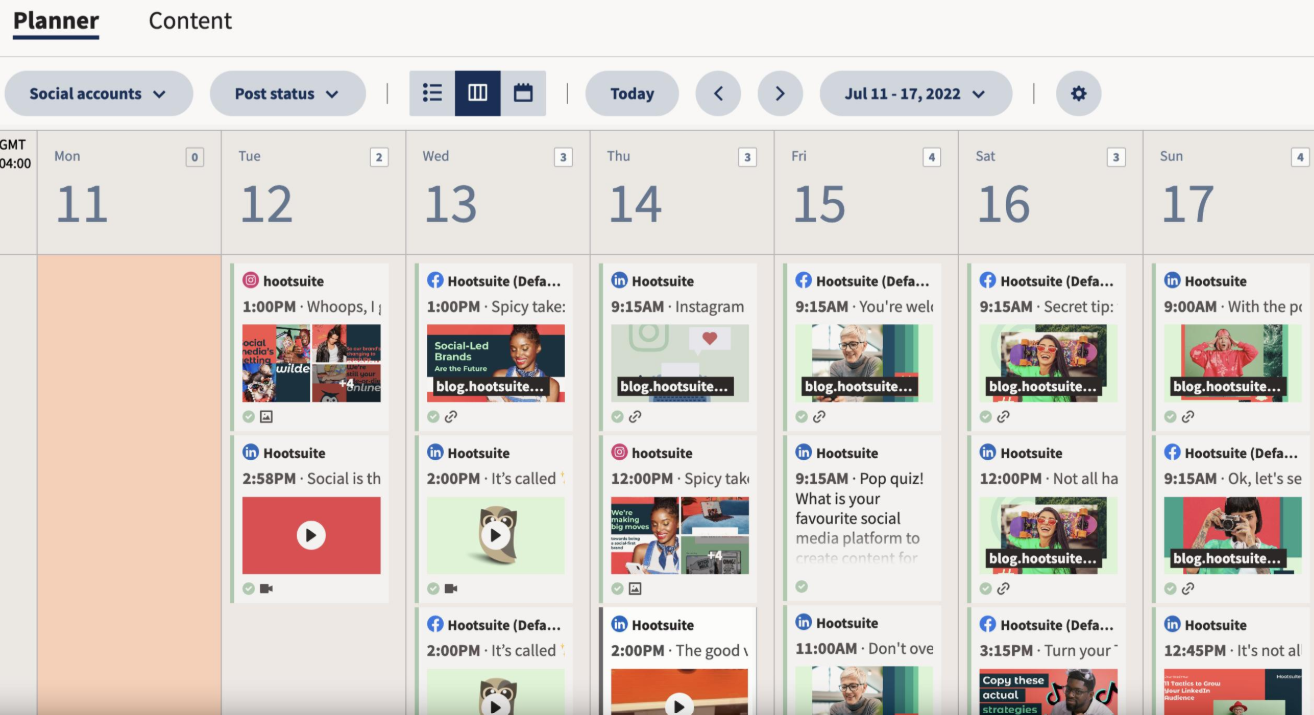
Hootsuite is another pretty common platform for handling social media, it is known for advanced scheduling and also monitoring capabilities, kind of like a command center for posts.
Features of Hootsuite
- Schedule content across multiple platforms, at once
- Social media monitoring for brand mentions and engagement
- Team collaboration, approvals and shared workflows
- Analytics dashboard with key performance views
- Content planning tools calendars and drafts
Why Choose Hootsuite
Hootsuite brings solid management options for businesses that want to coordinate several social profiles from one place. The free version gives you basic scheduling functions for individual users, so it is easier to start, without much setup.
Best For
- Agencies
- Marketing teams, especially those with lots of campaigns
- Growing businesses
- Social media managers
3. Later
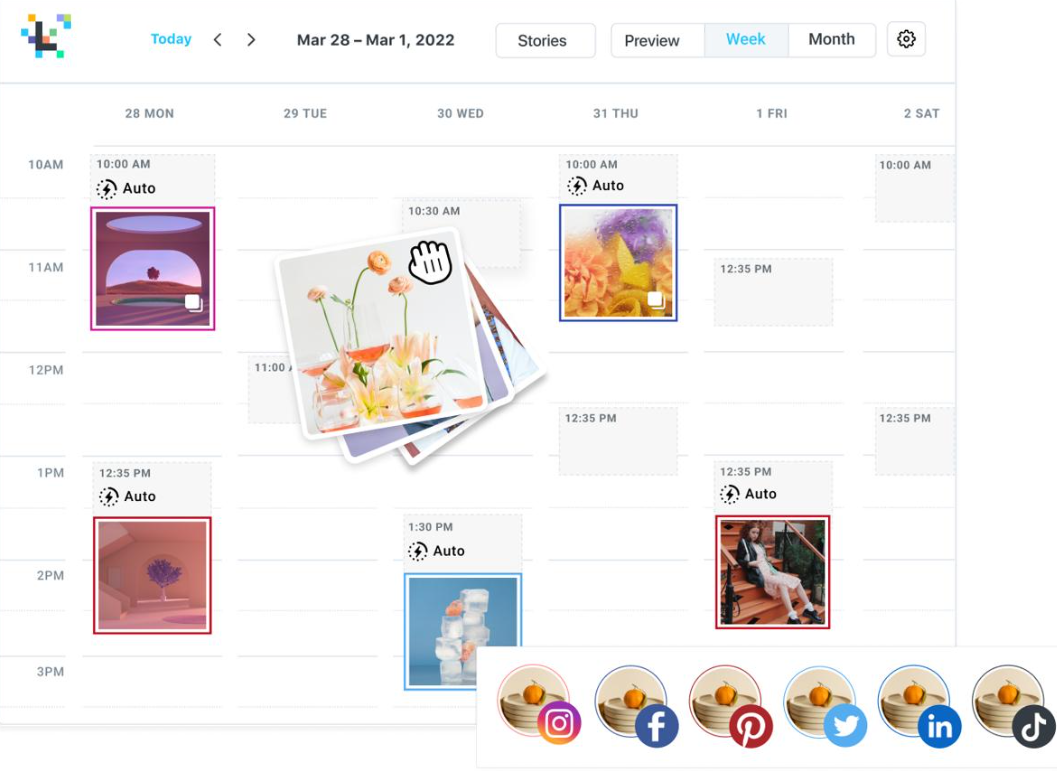
Later is a visual-first social media scheduling platform, its kind a made for Instagram marketing, but yeah it also supports other major platforms.
Features of Later
- Drag-and-drop content calendar, super easy to use
- Instagram feed preview
- Hashtag suggestions
- Link-in-bio feature
- Multi-platform scheduling, kinda covers everything
Why Choose Later
Later is ideal for brands that lean hard into visual content. Its Instagram scheduling features make it one of those best free Instagram scheduling tools, you know the type people actually keep using.
Best For
- Influencers
- Fashion brands
- Food businesses
- Visual content creators
4. Meta Business Suite
Meta Business Suite is a completely free tool from Meta, meant for managing Facebook and Instagram accounts without fuss.
Features of Meta Business Suite
- Schedule Facebook and Instagram posts
- Manage messages and comments
- View insights and analytics
- Create ad campaigns
- Monitor audience engagement, day to day
Why Choose Meta Business Suite
Because it is directly integrated with Facebook and Instagram, scheduling feels seamless, and there aren’t extra software costs to worry about.
Best For
- Facebook marketers
- Instagram business pages
- Local businesses
- Small companies
5. Canva Scheduler
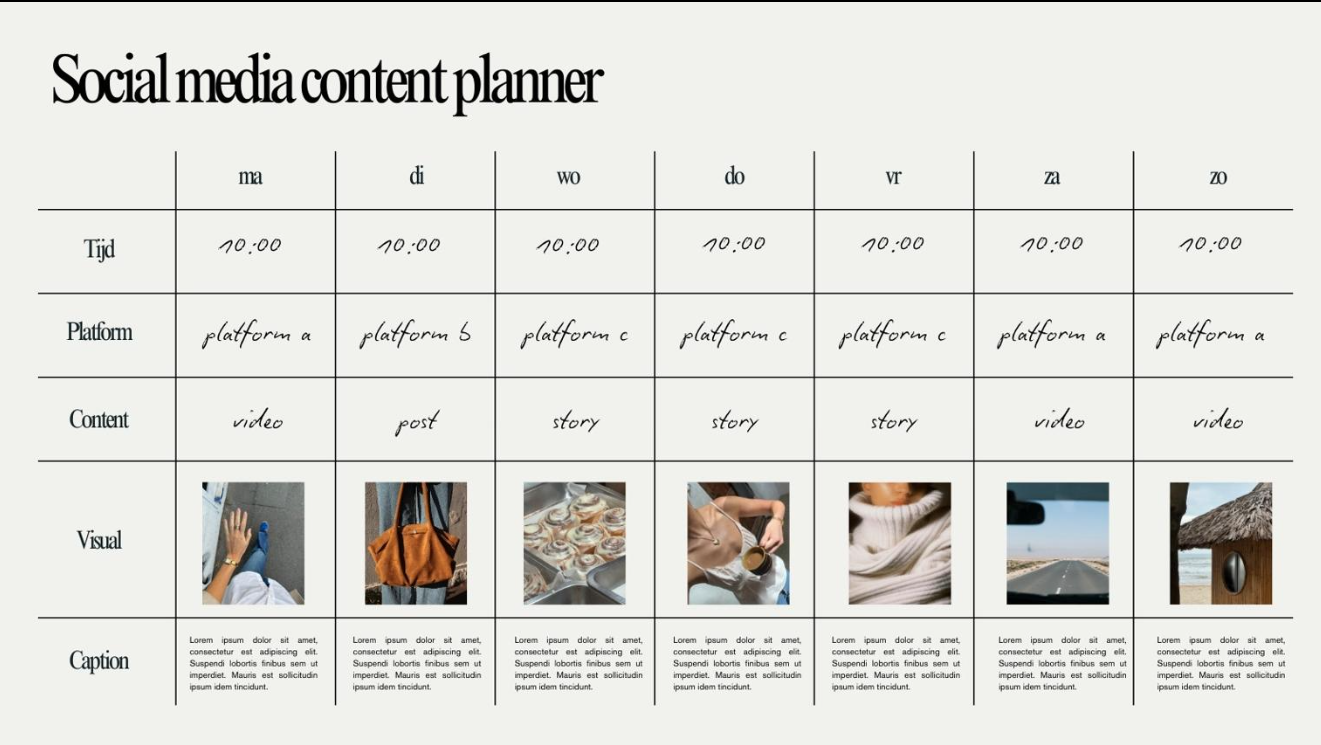
Canva is famous for design stuff, but it also has this built in scheduling option for social media, which feels pretty handy when you’re trying to post without doing everything manually.
Features of Canva Scheduler
- Design and schedule posts in one place
- Content calendar
- Ready-made templates
- Multi-platform posting
- Team collaboration
Why Choose Canva Scheduler
Canva kind of merges content creation and scheduling together, so it becomes a decent option for businesses who want their posts to look visually sharp not just “okay”.
Best For
- Designers
- Small businesses
- Social media beginners
- Marketing teams
6. SocialPilot
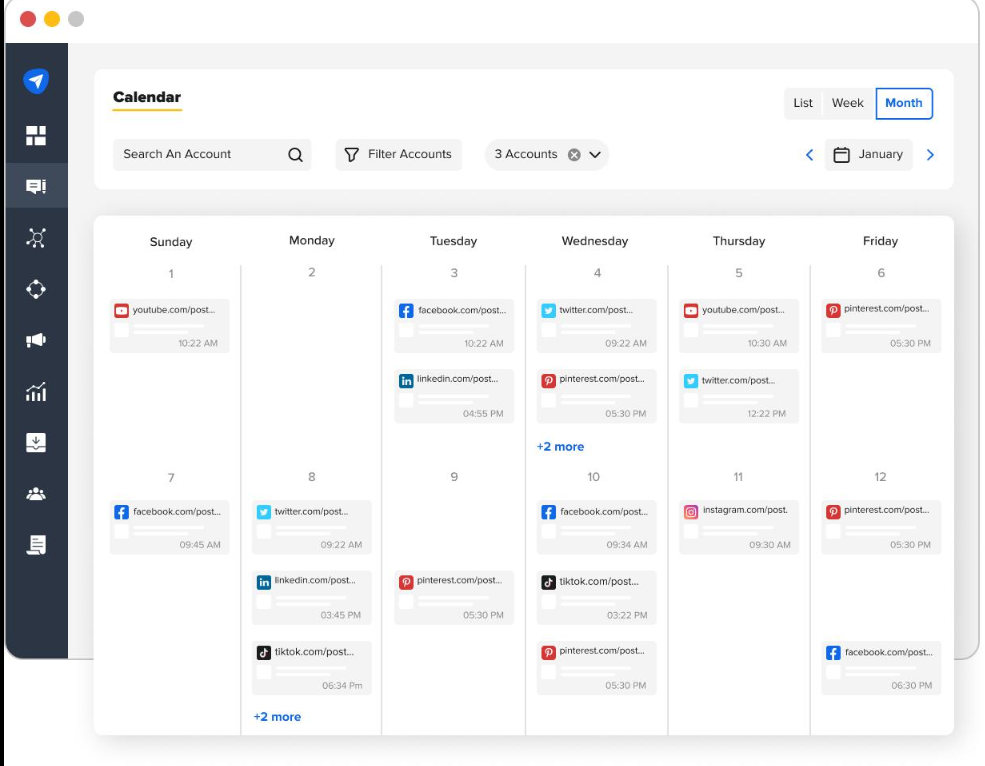
SocialPilot is an affordable social media management platform, and it comes with limited free features plus trial access if you want to test things first.
Features of SocialPilot
- Bulk scheduling
- Social inbox
- Team collaboration
- Analytics and reporting
- Content curation
Why Choose SocialPilot
This one tends to fit agencies and businesses that manage multiple clients, because juggling everything can get messy fast.
Best For
- Agencies
- Enterprises
- Digital marketers
- Social media teams
7. Zoho Social
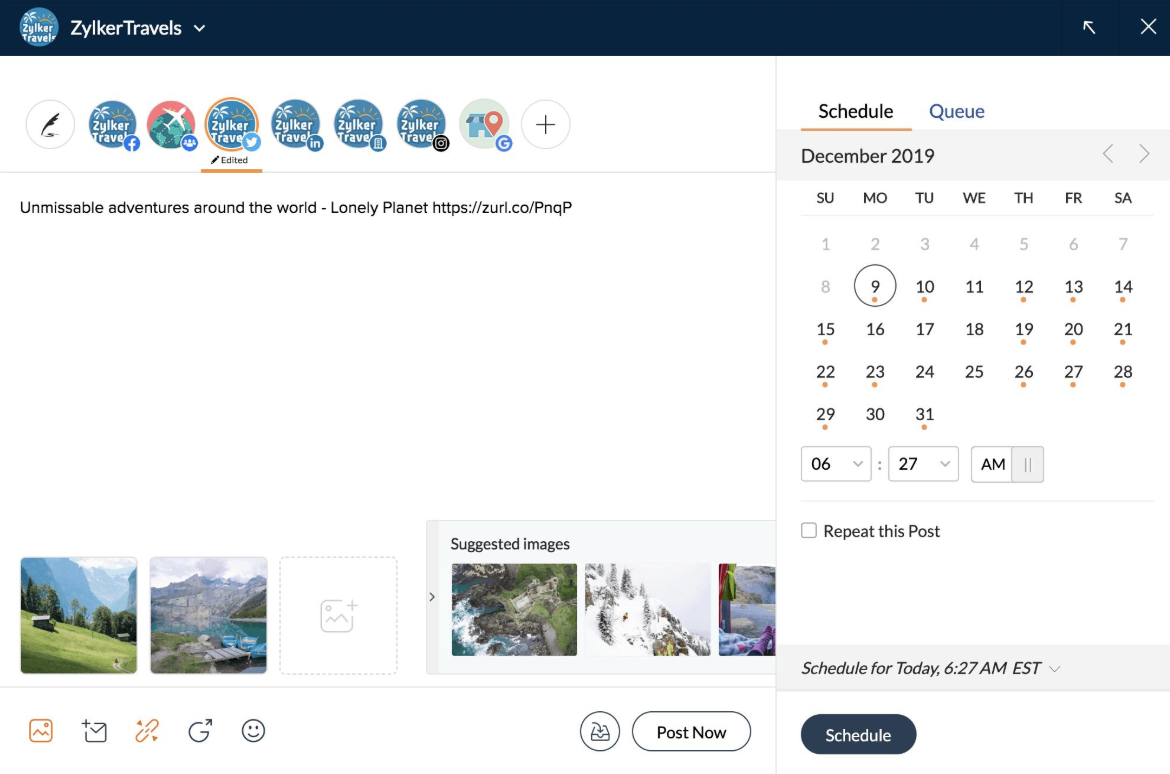
Zoho Social is a solid free social media scheduler for companies that are already using Zoho products, so the setup feels more smooth than starting from zero.
Features of Zoho Social
- Smart scheduling
- Real-time monitoring
- Team collaboration
- Performance analytics
- CRM integration
Why Choose Zoho Social
It has a clean dashboard plus automation options that help businesses keep processes flowing, without too much effort day by day.
Best For
- Businesses using Zoho ecosystem
- Agencies
- Professional marketers
How to Choose the Best Free Social Media Scheduling Tool
Picking the right scheduling software really comes down to your business goals, and how your marketing team wants to run campaigns.
Consider These Factors
1. Supported Platforms
Pick a tool that works with all the social media channels you actually use.
2. Ease of Use
A simple dashboard is huge, it helps you save time and keeps your workflow calmer.
3. Analytics Features
Good analytics, give you performance signals so you can tweak future campaigns.
4. Team Collaboration
If more than one person handles accounts, collaboration features are not optional, they’re basically required.
5. Automation Features
You’ll want tools that handle automated publishing, and content planning too, so you’re not stuck doing repetitive steps.
Tips for Effective Social Media Scheduling
Scheduling tools alone won’t do everything. To really boost engagement, businesses should lean on good habits.
- Create a Content Calendar
Plan content weekly, or monthly, to stay consistent without last minute chaos. - Post at Peak Engagement Times
Schedule posts when your audience is most active, because timing often beats effort. - Use High-Quality Visuals
Better images and videos usually lead to stronger engagement, it’s just how social platforms work. - Track Analytics
Keep an eye on results, then adjust your strategy regularly instead of “hoping”. - Mix Content Types
Don’t post only promotional material. Blend educational, entertaining, and yes promotional posts too.
Free vs Paid Social Media Scheduling Tools
Free tools are great for startups and small businesses. But when your needs grow, bigger companies often move to paid plans for advanced functionality.
Free Plan Limitations
- Limited scheduled posts
- Restricted analytics
- Fewer connected accounts
- Basic reporting
Paid Plan Advantages
- Advanced analytics
- Unlimited scheduling
- Team management
- AI-powered automation
- Detailed reporting
Businesses can start on free plans first, then upgrade once their social media marketing starts expanding.
Final Thoughts
Social media scheduling tools are now pretty essential for businesses and marketers who want to keep a consistent online presence. Tools such as Buffer, Hootsuite, Later, and Meta Business Suite offer useful free features that can automate posting and support better marketing efficiency.
The best free social media scheduling tool depends on your business size, which platforms you use, and what your content strategy looks like. When businesses apply these tools the right way, they can save time, boost engagement, and strengthen relationships with their audience.
If you’re aiming to improve digital marketing results, choosing the right social media scheduling software can be a big step toward long-term online growth.