

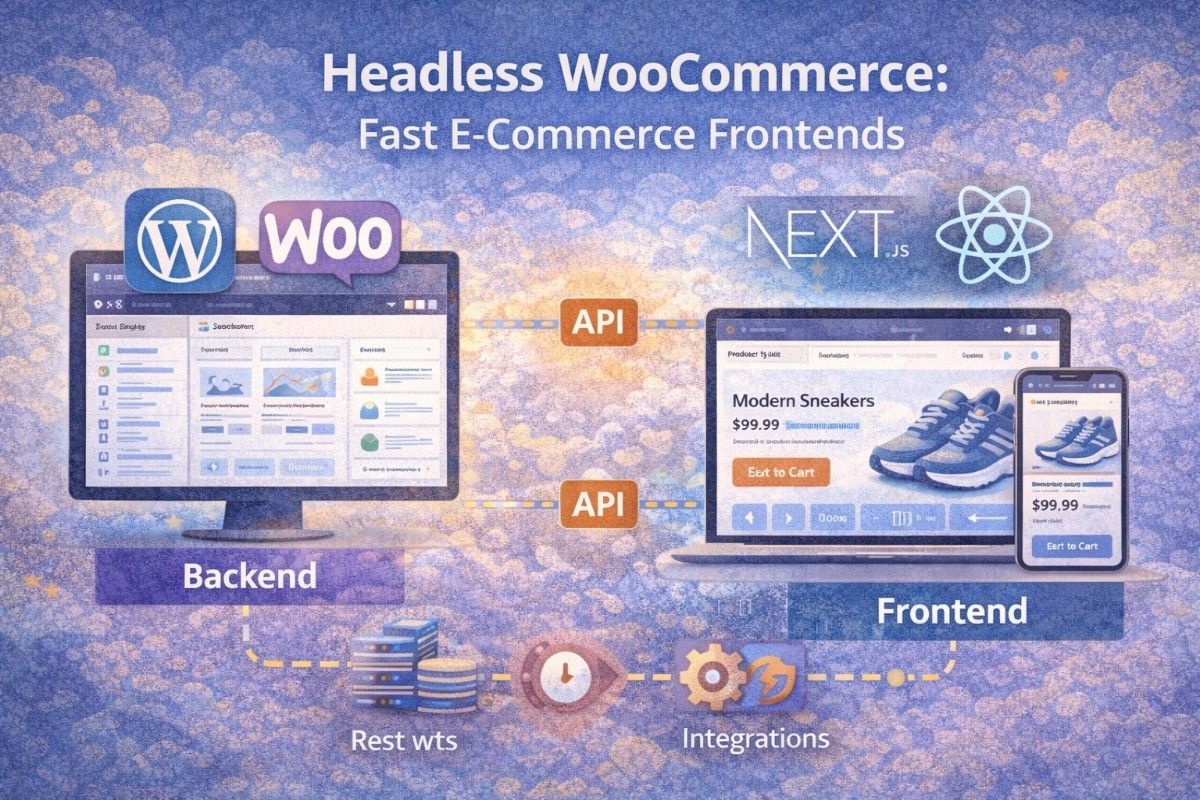
A headless WooCommerce frontend is one of the fastest ways to modernize your online store. Instead of relying on traditional WordPress themes, you separate the frontend from the backend and use APIs to deliver content—resulting in faster load times, better user experience, and more flexibility.
In this guide, you’ll learn how a headless WooCommerce frontend works, why it’s faster, and how to build one step-by-step using modern tools like React and Next.js.
What Is a Headless WooCommerce Frontend?
A headless WooCommerce frontend means decoupling the frontend (UI) from the WooCommerce backend.
Traditional Setup:
- WordPress + WooCommerce handle everything
Headless Setup:
- WooCommerce → backend (products, orders, data)
- Frontend → React / Next.js app
These communicate via APIs (REST or GraphQL)
Why it matters:
You’re no longer limited by WordPress themes—you can build lightning-fast, app-like experiences.
Why Use a Headless WooCommerce Frontend?
1. Faster Website Performance
- Static rendering (SSG)
- Server-side rendering (SSR)
- CDN delivery
Result: Significantly faster load times
2. Better User Experience
- No full page reloads
- Smooth navigation
- Mobile-first performance
3. Full Design Flexibility
- Build custom UI with React/Vue
- No theme limitations
- Easier A/B testing
4. Scalability
- Handle high traffic easily
- Separate frontend/backend scaling
How Headless WooCommerce Frontend Works
Step 1: WooCommerce Backend
Stores:
- Products
- Orders
- Customers
Step 2: API Layer
Frontend fetches data using:
- WooCommerce REST API
- WordPress REST API
- GraphQL (optional)
Step 3: Frontend Application
Your app (React/Next.js) renders:
- Product pages
- Cart
- Checkout
Example: Fetch Products from WooCommerce API
fetch('https://yourstore.com/wp-json/wc/v3/products', {
  headers: {
    Authorization: 'Bearer YOUR_API_KEY'
  }
})
  .then(res => res.json())
  .then(data => console.log(data));
✔ This replaces traditional WooCommerce templates
✔ Gives full control over frontend
Example: Render Products in React
function ProductList({ products }) {
  return (
    <div>
      {products.map(product => (
        <div key={product.id}>
          <h2>{product.name}</h2>
          <p>{product.price}</p>
        </div>
      ))}
    </div>
  );
}
This creates a fast, dynamic product UI.
Best Tech Stack for Headless WooCommerce
Frontend:
- Next.js (best choice for SEO + performance)
- React
- Vue
Backend:
- WordPress + WooCommerce
- WPGraphQL (optional)
Hosting:
- Frontend → Vercel / Netlify
- Backend → VPS / Managed WordPress hosting
How to Build a Headless WooCommerce Frontend (Step-by-Step)
Step 1: Install WooCommerce
- Set up WordPress
- Install WooCommerce
- Add products
Step 2: Enable API Access
- Generate API keys
- Test endpoints
Step 3: Create Frontend App
npx create-next-app my-store
cd my-store
npm run dev
Step 4: Connect to WooCommerce API
Fetch products and display them in your frontend.
Step 5: Build Core Pages
- Product listing
- Product detail
- Cart
- Checkout
Step 6: Optimize Performance
- Use static generation (SSG)
- Implement caching
- Optimize images
Common Challenges (And Fixes)
1. Cart & Checkout Complexity
Use WooCommerce APIs or third-party services.
2. Authentication Issues
Use JWT authentication for secure sessions.
3. SEO Concerns
Use Next.js SSR or SSG to maintain SEO performance.
Real-World Insight
A headless WooCommerce frontend is powerful—but not always necessary.
Use it when:
- You need high performance
- You expect high traffic
- You want a modern UI
Avoid it when:
- You need quick setup
- You’re not comfortable with APIs
- Budget is limited
FAQ
What is a headless WooCommerce frontend?
A headless WooCommerce frontend separates the frontend from the backend and uses APIs to display data.
Is headless WooCommerce faster?
Yes, it improves performance using modern frameworks and optimized rendering techniques.
Is headless WooCommerce worth it?
It’s ideal for scalable, high-performance stores but requires more development effort.
Summary
A headless WooCommerce frontend gives you:
- Faster performance
- Better user experience
- Full control over design
But it also requires:
- API knowledge
- More setup time
The key is choosing it when performance and scalability truly matter.
What Should You Do Next?
Don’t try to rebuild your entire store at once.
Start with this:
- Build a simple product listing page using WooCommerce API
- Connect it to a Next.js frontend
- Measure performance improvements
Once you see the speed difference, scaling your store becomes much easier.




