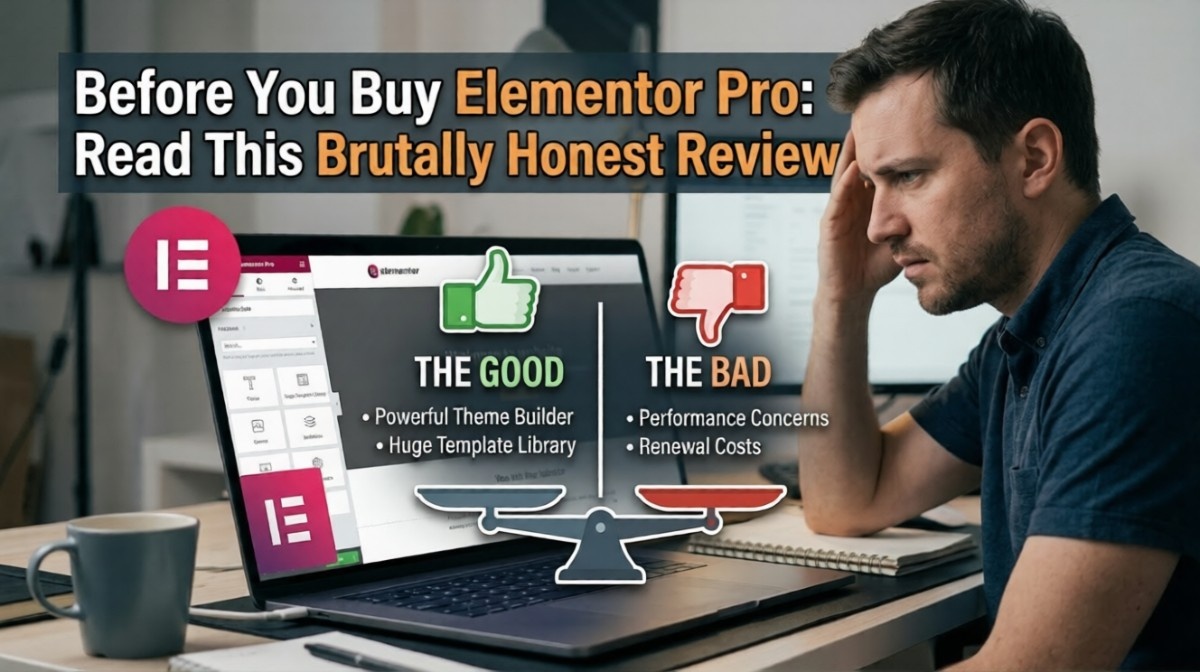
Introduction
Are you considering purchasing the Elementor Pro plugin? Are you questioning its value or just another overrated plugin?
I have worked with Elementor on actual websites for my clients and not merely a demo site. In this article, I will outline the advantages, disadvantages, and necessity of the Elementor Pro plugin.
What Is Elementor Pro?
Elementor Pro refers to an advanced version of the Elementor website page builder tool that allows users to build beautiful webpages without coding using drag and drop functionality.
Key idea:
- Free version = basic page building
- Pro version = advanced design, marketing, and dynamic features
What You Actually Get with Elementor Pro
1. Advanced Drag-and-Drop Builder
You can design:
- Landing pages
- Homepages
- Service pages
* No coding required, but flexibility is huge.
2. Theme Builder (Big Deal Feature)
This is where Pro becomes powerful.
You can design:
- Headers
- Footers
- Blog templates
- Product pages
* You’re no longer limited by your theme.
3. Form Builder (Built-In Lead Generation)
Create forms without extra plugins.
Example:
<form>
  <input type="text" placeholder="Your Name">
  <input type="email" placeholder="Your Email">
  <button type="submit">Submit</button>
</form>
* Useful, but not as advanced as dedicated form tools.
4. Popup Builder
You can create:
- Lead popups
- Exit intent popups
- Promotional banners
* Good for marketing—but can hurt UX if overused.
5. WooCommerce Builder
Design custom product pages and shop layouts.
* Great for e-commerce customization.
What Elementor Pro Does Really Well
✅ Easy to Use
Even beginners can build decent layouts quickly.
✅ Design Flexibility
You can create almost anything visually.
✅ All-in-One Tool
Replaces:
- Page builder
- Popup plugin
- Basic form plugin
The Brutally Honest Downsides
Let’s be real—Elementor isn’t perfect.
❌ 1. Can Slow Down Your Website
Heavy pages = slower load times.
* Especially if:
- Too many widgets
- Poor optimization
- Cheap hosting
❌ 2. Too Many Features (Overkill)
For simple websites, it’s excessive.
* You may not use half of what you’re paying for.
❌ 3. Lock-In Problem
If you deactivate Elementor:
- Layout breaks
- Shortcodes remain
* Migrating away can be painful.
❌ 4. Not Ideal for Performance-Focused Sites
If speed is your top priority:
- Custom code or lightweight builders may perform better
Real-World Use Case
When Elementor Pro Works Great:
- Landing pages
- Marketing websites
- Client projects needing flexibility
When It’s Not Ideal:
- Ultra-fast performance sites
- Simple blogs
- Developers who prefer clean code
Example: Simple Elementor Layout Concept
<section class="hero">
  <h1>Grow Your Business</h1>
  <p>Get more leads with a high-converting website</p>
  <button>Get Started</button>
</section>
* Elementor lets you build this visually instead of coding.
Elementor Free vs Pro (Quick Comparison)
| Feature | Free | Pro |
|---|---|---|
| Basic Page Builder | ✔ | ✔ |
| Theme Builder | ✘ | ✔ |
| Forms | ✘ | ✔ |
| Popup Builder | ✘ | ✔ |
| WooCommerce Builder | ✘ | ✔ |
* Pro is where the real power is.
Who Should Buy Elementor Pro?
✔ You should buy it if:
- You build websites for clients
- You need design flexibility
- You want an all-in-one tool
❌ Skip it if:
- You care heavily about performance
- You only need a simple site
- You prefer coding
Common Mistakes to Avoid
- Overloading pages with widgets
- Ignoring performance optimization
- Using too many animations
- Not optimizing images
* Elementor is powerful—but easy to misuse.
FAQ
Is Elementor Pro worth it in 2026?
Yes, for design flexibility and client work—but not for every project.
Does Elementor slow down websites?
It can, if not optimized properly.
Can I use Elementor for free?
Yes, but Pro unlocks key features.
Summary
Elementor Pro is a powerful tool—but not a perfect one.
The truth:
- Great for flexibility and speed of development
- Not the best for performance-heavy sites
* It’s not about “good or bad”—it’s about fit for your needs.
What Should You Do Next? (CTA)
Before you buy:
- Define your website goals
- Decide if you need advanced design features
- Test the free version first
* Don’t buy tools just because they’re popular—buy them because they solve your problem.